Schema Markup for Modern Web Apps: A Practical JSON-LD Guide

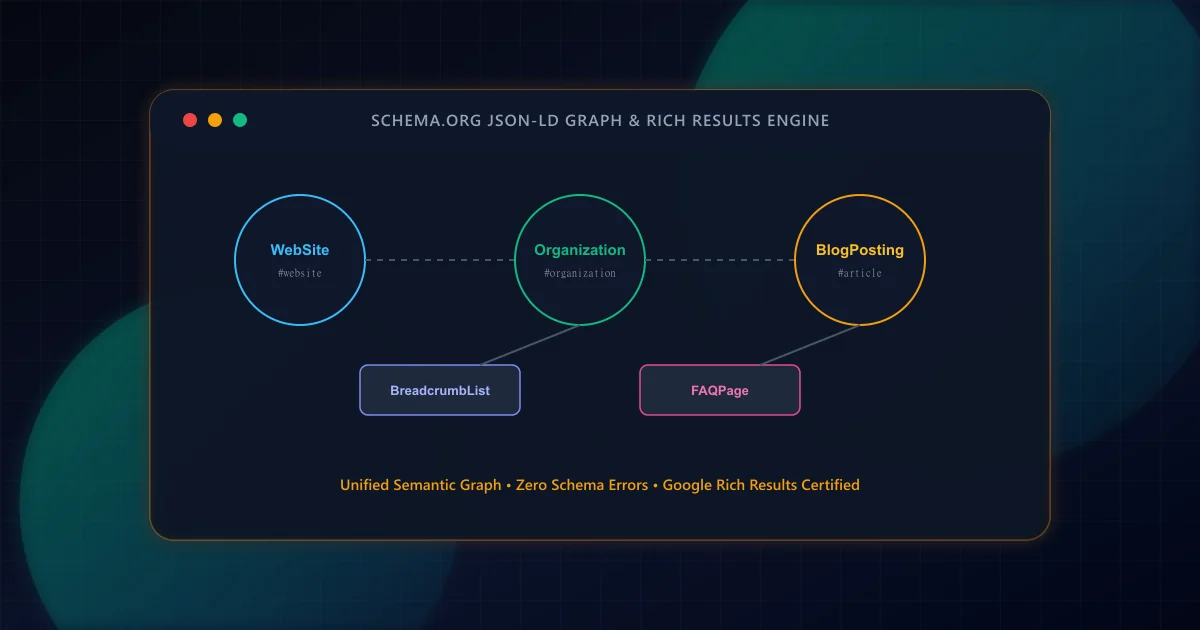
Search engine crawlers process billions of unstructured HTML documents every day. While modern natural language models can interpret human prose, structured data provides an unambiguous semantic layer directly adhering to the Schema.org vocabulary specification. According to Google Search Central guidelines on structured data, valid markup enables machine-readable entity discovery and search enhancements such as breadcrumb trails, article attribution, and knowledge graph resolution.
Historically, developers embedded schema annotations using HTML microdata or RDFa attributes interspersed directly on DOM elements. This pattern suffered severe drawbacks: it tightly coupled business logic to presentation layout, easily broke during UI refactors, and increased server HTML byte payload.
JSON-LD (JavaScript Object Notation for Linked Data) isolates semantic definitions into clean, standalone script tags in either <head> or <body>. Google officially recommends JSON-LD because it can be generated cleanly on the server, easily validated in automated CI test suites, and rendered dynamically without touching visual components.
To maximize search bot crawl efficiency, review our Technical SEO Pre-Launch Checklist alongside your schema strategy.
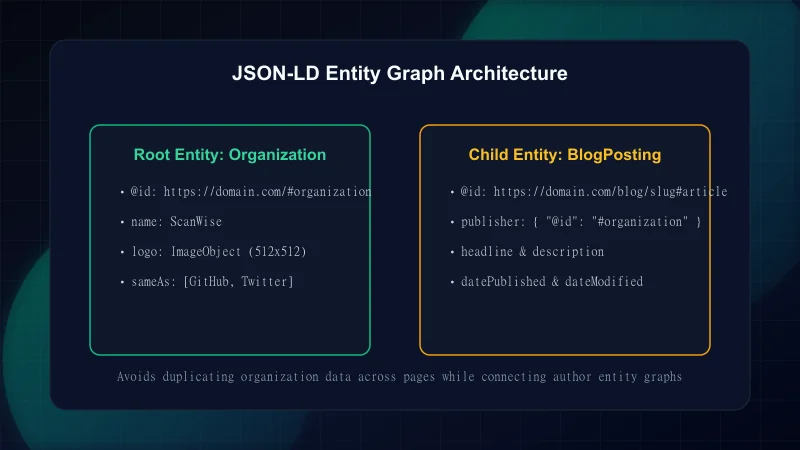
Rather than rendering disparate, disconnected schema blocks across different components, an enterprise implementation stitches entities together into a unified @graph. In this model, the BlogPosting node references the Organization publisher node and the Author node via stable @id URI identifiers.
{
  "@context": "https://schema.org",
  "@graph": [
    {
      "@type": "Organization",
      "@id": "https://example.com/#organization",
      "name": "ScanWise",
      "url": "https://example.com",
      "logo": {
        "@type": "ImageObject",
        "@id": "https://example.com/#logo",
        "url": "https://example.com/images/logo.png"
      }
    },
    {
      "@type": "WebSite",
      "@id": "https://example.com/#website",
      "url": "https://example.com",
      "name": "ScanWise",
      "publisher": {
        "@id": "https://example.com/#organization"
      }
    },
    {
      "@type": "BlogPosting",
      "@id": "https://example.com/blog/example-post#article",
      "isPartOf": {
        "@id": "https://example.com/#website"
      },
      "headline": "Example Technical Guide",
      "datePublished": "2026-09-22T09:00:00Z",
      "dateModified": "2026-09-22T09:00:00Z",
      "publisher": {
        "@id": "https://example.com/#organization"
      }
    }
  ]
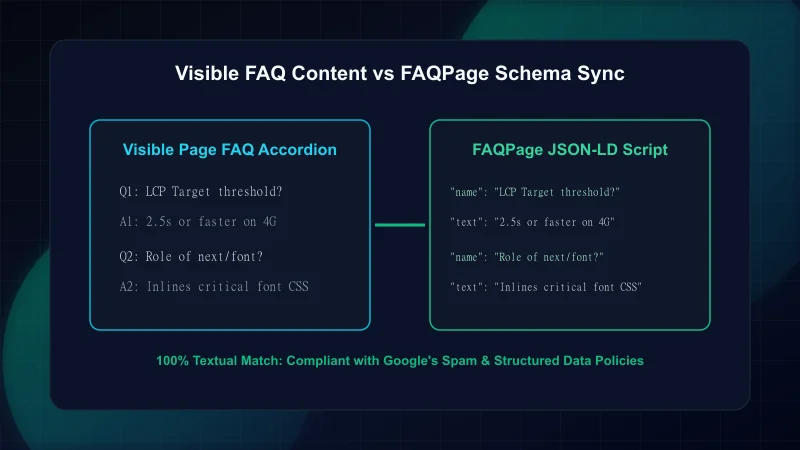
}A critical mistake in technical SEO is injecting FAQPage structured data containing content not visibly displayed to human visitors on the page. Google's Search Quality Rater guidelines strictly penalize deceptive or hidden structured data.
Every question and answer encoded in your FAQPage JSON-LD payload must mirror the visible accordion or list on the page down to the exact wording.
import { FaqItem } from '@/lib/blog/schema';

interface FaqSectionProps {
  faq: FaqItem[];
}

export function FaqSection({ faq }: FaqSectionProps) {
  if (!faq || faq.length === 0) return null;

  // 1. Generate FAQPage JSON-LD matching the exact visible DOM strings
  const faqSchema = {
    '@context': 'https://schema.org',
    '@type': 'FAQPage',
    mainEntity: faq.map((item) => ({
      '@type': 'Question',
      name: item.question,
      acceptedAnswer: {
        '@type': 'Answer',
        text: item.answer,
      },
    })),
  };

  return (
    <section className="my-12 pt-8 border-t">
      <script
        type="application/ld+json"
        dangerouslySetInnerHTML={{ __html: JSON.stringify(faqSchema) }}
      />
      <h2 className="text-2xl font-bold mb-6">Frequently Asked Questions</h2>
      <div className="space-y-4">
        {faq.map((item, idx) => (
          <details key={idx} className="group p-4 rounded-xl border bg-brand-cloud">
            <summary className="font-semibold cursor-pointer list-none flex justify-between">
              <span>{item.question}</span>
              <span className="text-brand-primary group-open:rotate-180 transition-transform">▼</span>
            </summary>
            <p className="mt-3 text-brand-charcoal/80 leading-relaxed text-sm">
              {item.answer}
            </p>
          </details>
        ))}
      </div>
    </section>
  );
}Do not rely solely on manual testing in browser tools. Integrate schema validation into your continuous deployment pipeline by extracting <script type="application/ld+json"> tags from rendered HTML and asserting that all required Schema.org properties exist.
| Schema Entity Type | Required Properties | Recommended Properties | Common Errors |
|---|---|---|---|
| Organization | @id, name, url | logo, sameAs, description | Missing logo URL or non-resolvable @id |
| BlogPosting | headline, image, datePublished | dateModified, author, publisher | Relative image URL, missing author name |
| BreadcrumbList | itemListElement (position, name, item) | numberOfItems | Zero-indexed positions (must start at 1) |
| FAQPage | mainEntity (Question > acceptedAnswer) | headline | Content divergence between schema and visible DOM |
For complete security and performance testing on your deployment headers and assets, check our guides on Security headers and SEO and Next.js Core Web Vitals.
References and official specifications for structured data: - Schema.org — Core Vocabulary & Graph Specifications - Google Search Central — Introduction to Structured Data - Google Search Central — Article Structured Data Documentation - W3C JSON-LD 1.1 Specification
Frequently Asked Questions
Where should JSON-LD scripts be placed in the HTML document?
Google supports JSON-LD in both the <head> and <body> elements of an HTML document. Placing them in the <head> or close to the top of the <body> ensures early discovery by search crawlers.
Can I use multiple Schema types on a single page?
Yes. Modern enterprise websites typically combine WebSite, Organization, BreadcrumbList, and BlogPosting schemas on a single article page using a connected @graph array.
What happens if FAQ schema does not match the visible content?
Google's manual action team and automated spam classifiers can issue structured data penalties if content in FAQPage JSON-LD is hidden from users or differs materially from the on-page text. All structured data must match visible content exactly.
Are relative URLs permitted in JSON-LD schemas?
No. Schema.org specifications and Google's guidelines require fully qualified absolute URLs (including https:// and the hostname) for all entity IDs, images, and target links.
Engineering & Technical Audit Team
The ScanWise engineering and technical SEO team researches web performance, Core Web Vitals, crawl mechanics, and digital compliance.
Related Engineering Guides
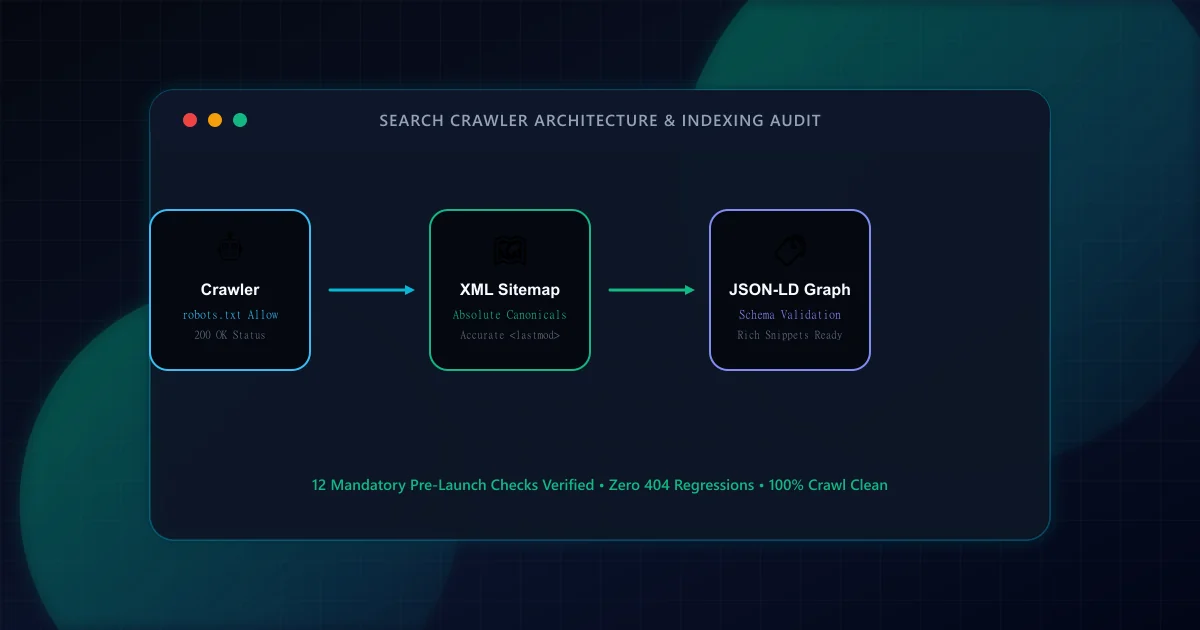
The Technical SEO Pre-Launch Checklist for Modern Web Applications
Prevent catastrophic indexation failures before shipping to production. A 20-point engineering checklist covering robots.txt rules, canonical loops, SSR parity, and sitemap hygiene.
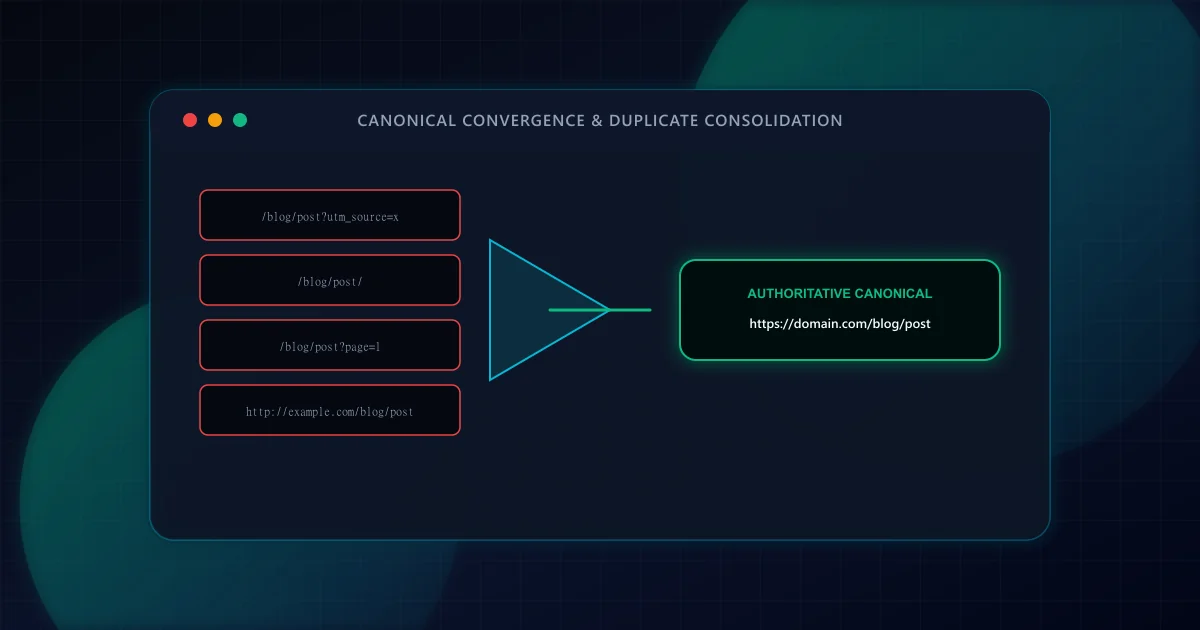
Canonical URL Strategy: Eliminating Duplicate Content in SSR & Dynamic Routes
Master canonicalization in Next.js App Router. Learn how to prevent duplicate content penalties from trailing slashes, tracking parameters, pagination, and multi-tenant subdomains.
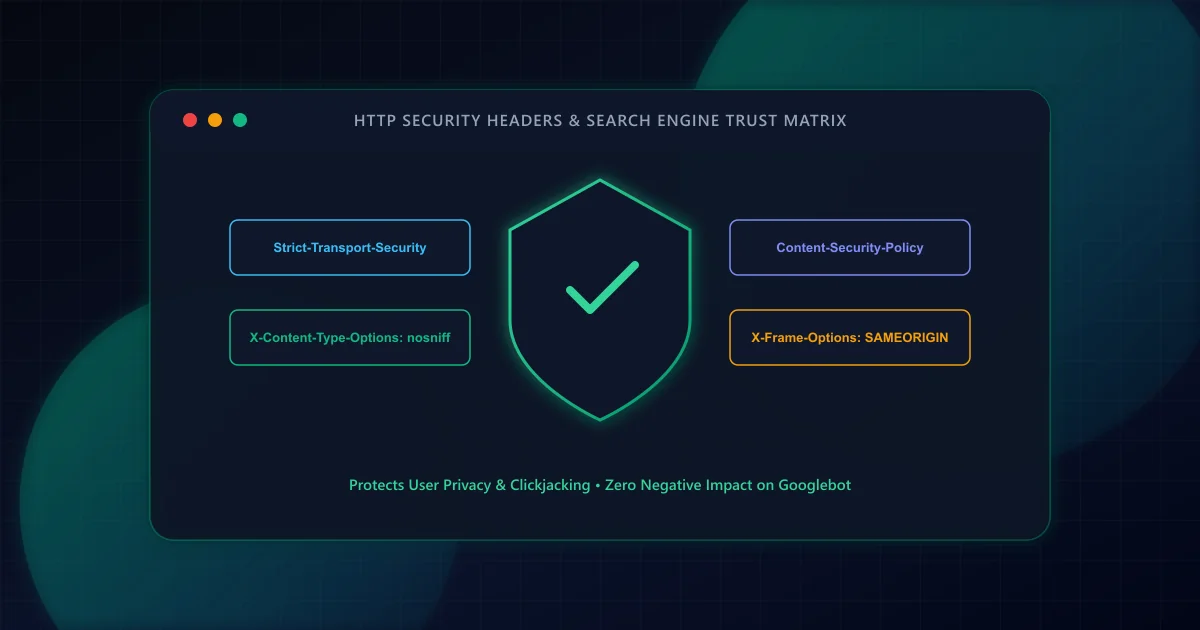
HTTP Security Headers and SEO: Protecting Crawlers and Users
Transport security is an essential foundation for web platforms. Learn how HSTS, Content Security Policy, and X-Content-Type-Options protect users, streamline crawl requests, and preserve analytics attribution.