Title Tag and Meta Description: Length Rules, Rewriting, and Mistakes
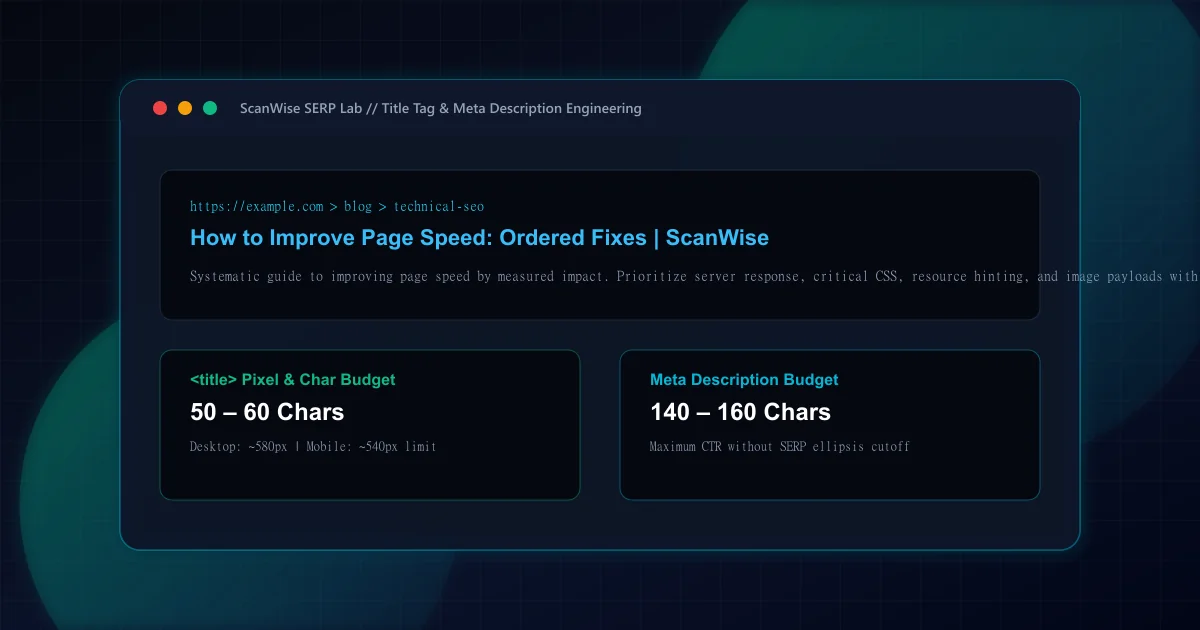
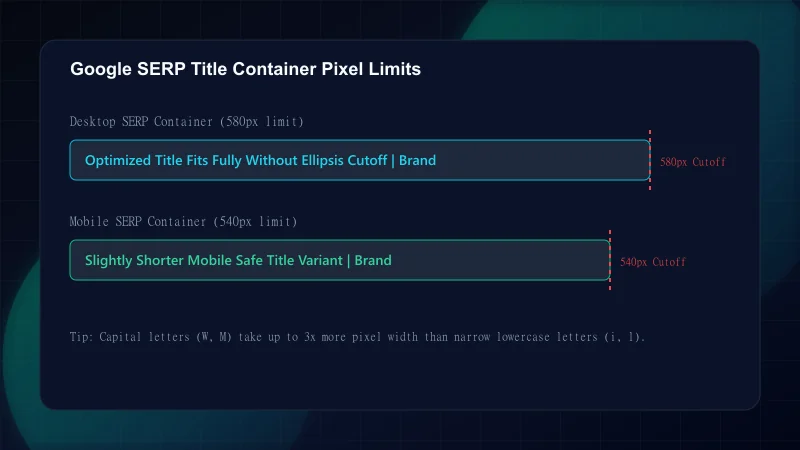
Many SEO guides offer a rule of thumb such as 'keep your title under 60 characters.' While convenient, this advice ignores the fact that search engine display fonts are proportional rather than monospaced. A capital 'W' consumes roughly three times the horizontal pixel width of a lowercase 'i'. According to Google Search Central guidance on title links, Google evaluates titles against a strict pixel bounding container.
SERP Snippet Display Boundaries across Devices
| Snippet Element | Desktop Pixel Limit | Mobile Pixel Limit | Recommended Character Budget | Truncation Indicator |
|---|---|---|---|---|
| <title> Tag | ~580 – 600 px | ~540 px | 50 – 60 characters (including brand) | Appends ellipsis ('...') |
| Meta Description | ~960 px (approx 2 lines) | ~680 px (approx 3 lines) | 140 – 160 characters | Appends ellipsis ('...') |
| Favicon / Site Name | 16 x 16 px (rendered) | 16 x 16 px (rendered) | Brand name from WebSite schema | Replaced by domain root |
In August 2021, Google rolled out a major update to how it generates title links in search results. Rather than always displaying the HTML <title> tag verbatim, Google's algorithm frequently substitutes on-page <h1> headings, visual anchor text, or internal link text if it considers the defined title inadequate.
Top Triggers for Algorithmic Title Rewriting
Step 1: Discrepancy with the Primary <h1> Heading
If your<title>says 'Best Running Shoes 2026' but the visible<h1>on the page says 'Women's Trail Sneakers', Google will rewrite the SERP title to match the visible heading to prevent user disorientation.Step 2: Boilerplate Repetition and Site-Wide Slogans
Using repetitive boilerplate like 'Products - Acme Corp - The Global Leader in Cloud Solutions' across every page forces Google to strip the marketing slogan and display only 'Products | Acme Corp'.Step 3: Missing Brand Name on Key Pages
When high-authority domains omit their brand name, Google automatically appends the brand name based on domain signals.Step 4: Keyword Stuffing and Pipe Separation Abuse
Titles structured like 'SEO Tool | Best SEO Tool | Website Audit Tool | Free SEO' trigger algorithmic truncation and replacement with a concise natural summary.
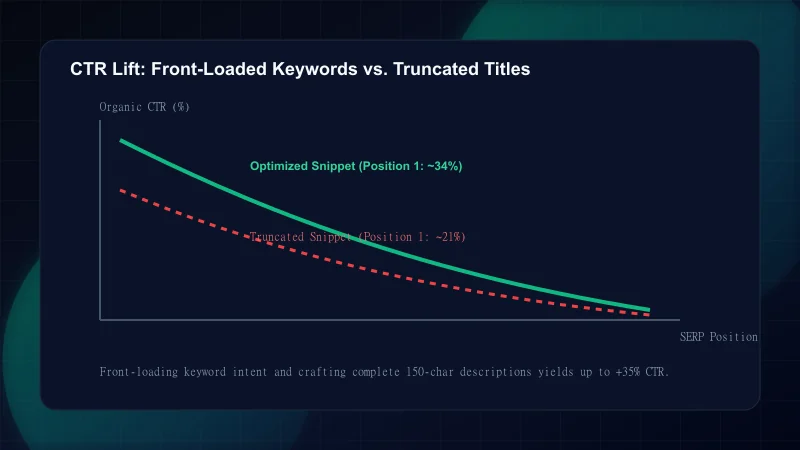
While meta descriptions do not act as direct algorithmic ranking signals, they are the primary sales pitch that convinces users to click your link over competitor results. A compelling meta description increases organic click-through rate (CTR), sending positive behavioral signals to search engines.
Next.js App Router simplifies title tag management across nested routes using the title.template object in root src/app/layout.tsx. This pattern guarantees that child pages automatically inherit the brand suffix without manual string concatenation errors.
// 1. Root Layout (src/app/layout.tsx)
import type { Metadata } from "next";

export const metadata: Metadata = {
  title: {
    default: "ScanWise — Enterprise Website Intelligence & Auditing",
    template: "%s | ScanWise", // Automatically appends brand suffix to child pages
  },
  description:
    "Enterprise website intelligence platform for technical SEO, Core Web Vitals, accessibility, and security auditing.",
  metadataBase: new URL("https://example.com"),
};

// 2. Child Route (src/app/blog/[slug]/page.tsx)
export async function generateMetadata({ params }: Props): Promise<Metadata> {
  const post = await getPost(params.slug);

  return {
    title: post.seoTitle, // Automatically renders as: "${post.seoTitle} | ScanWise"
    description: post.seoDescription,
    alternates: {
      canonical: `/blog/${post.slug}`,
    },
  };
}Avoid these frequent metadata engineering errors that suppress organic click-through rates:
Common Title and Description Mistakes
| Mistake | Why It Hurts | The Fix |
|---|---|---|
| Allowing titles to exceed 60 characters or 600 pixels | Key phrases at the end of the title are abruptly cut off with an ugly ellipsis ('...') in search results | Keep total title length under 60 characters and front-load essential target keywords |
| Leaving meta descriptions under 120 characters | Short descriptions leave blank white space in SERPs; Google frequently discards them to pull random on-page text | Expand descriptions to 140–160 characters to maximize vertical and horizontal snippet footprint |
| Duplicating identical meta descriptions across multiple pages | Search engines ignore duplicate descriptions and penalize snippet diversity across category archives | Generate distinct, context-specific descriptions for every canonical URL |
| Omitting the primary target keyword from the description | When a user searches for a term, Google bolds matching words in the snippet; missing keywords reduce visual salience | Include the primary keyword naturally in the first 100 characters of the meta description |
| Double brand suffixes in template configurations ('Home | Brand | Brand') | Accidental double concatenation wastes title character budget and triggers Google algorithmic cleanup | Use Next.js title.template and ensure child page titles pass only the bare page title |
Audit your metadata before releasing new pages or major site updates:
Frequently Asked Questions
What is the recommended pixel width limit for title tags in Google desktop and mobile SERPs?
On desktop viewports, Google allocates a title container of approximately 580 to 600 pixels (roughly 50 to 60 characters). On mobile screens, the container width is approximately 540 pixels. Keeping titles under 60 characters ensures complete display across all devices.
Why does Google rewrite or replace my defined <title> tag in search results?
Google rewrites title tags when the defined tag is overly generic, contains repetitive boilerplate, is stuffed with keywords, or does not accurately represent the on-page content and <h1> heading.
Do meta descriptions directly influence organic search rankings?
No. Google has officially stated that meta descriptions are not a direct ranking factor in its algorithms. However, they directly determine organic click-through rate (CTR), which influences overall traffic and user engagement.
What are the most common technical mistakes that cause title tag truncation?
The most common mistakes are exceeding the 600-pixel container width, placing brand suffixes at the beginning instead of the end, and failing to account for wide capital letters.
How should dynamic brand suffixes be managed across template metadata in Next.js?
In Next.js App Router, declare `title: { template: '%s | BrandName' }` in the root layout. Child pages then simply export their specific page title, and Next.js automatically appends the brand suffix consistently.

Engineering & Technical Audit Team
The ScanWise engineering and technical SEO team researches web performance, Core Web Vitals, crawl mechanics, and digital compliance.
Related Engineering Guides
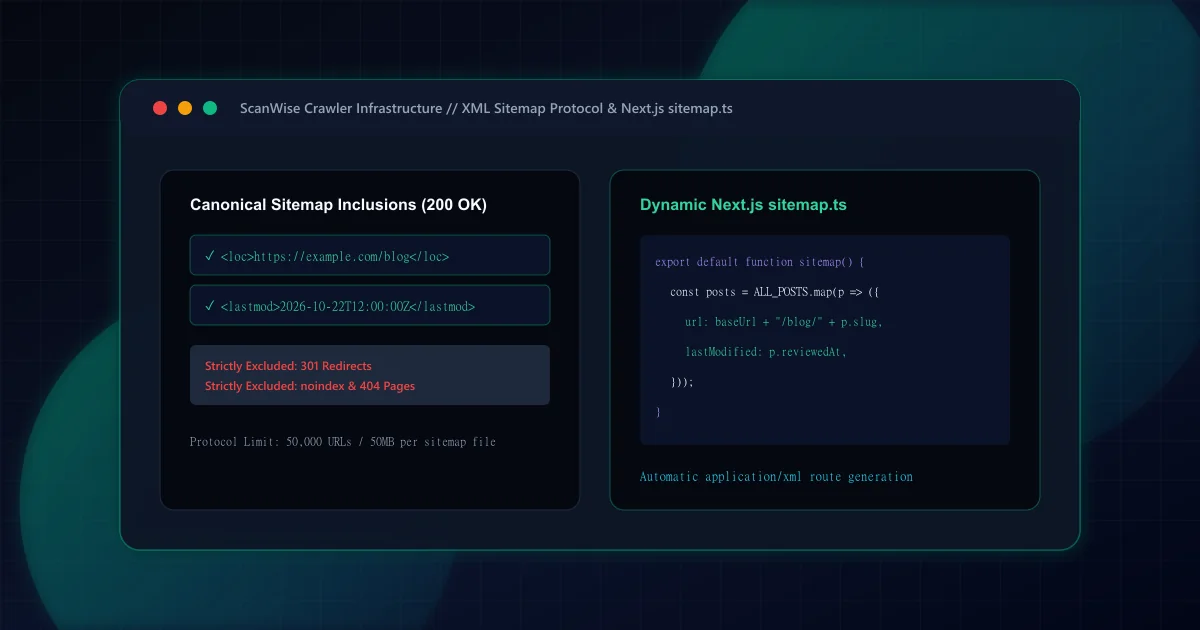
XML Sitemap Architecture: What to Include, Exclude, and Build in Next.js
Comprehensive XML sitemap guide for technical SEO. Learn what to include, what to exclude, how to handle pagination, and generate dynamic sitemap.ts in Next.js.
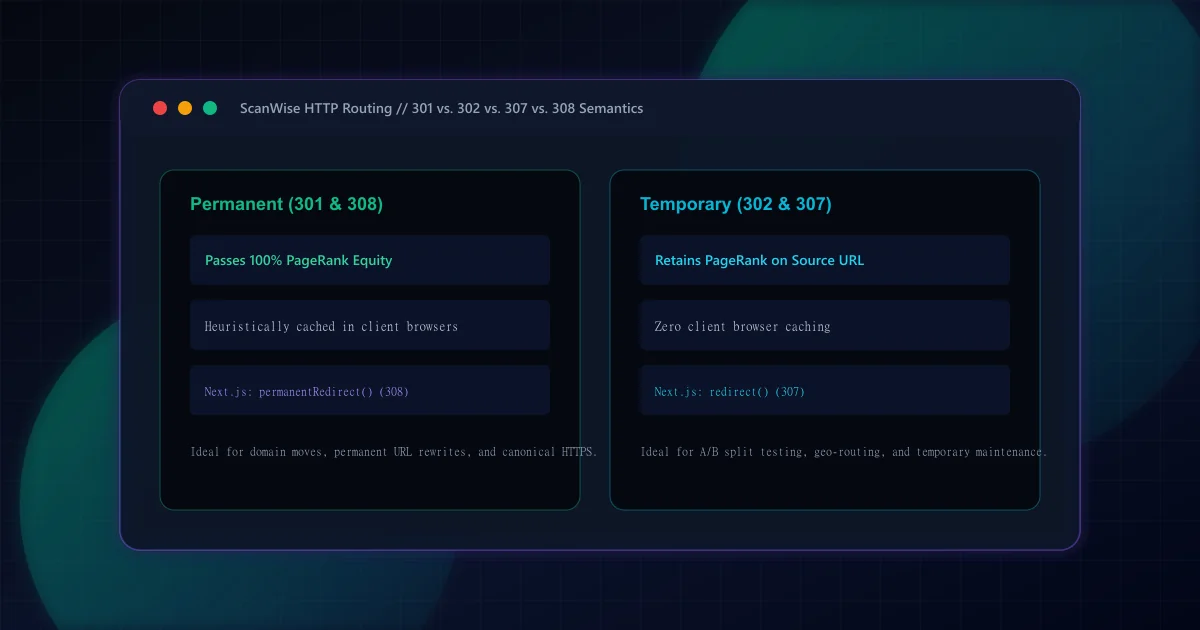
301 vs 302 Redirects for SEO: HTTP Semantics and Link Equity
Understand the SEO differences between 301 and 302 redirects. Learn when to use permanent vs temporary status codes, plus how Next.js handles 307 and 308 headers.
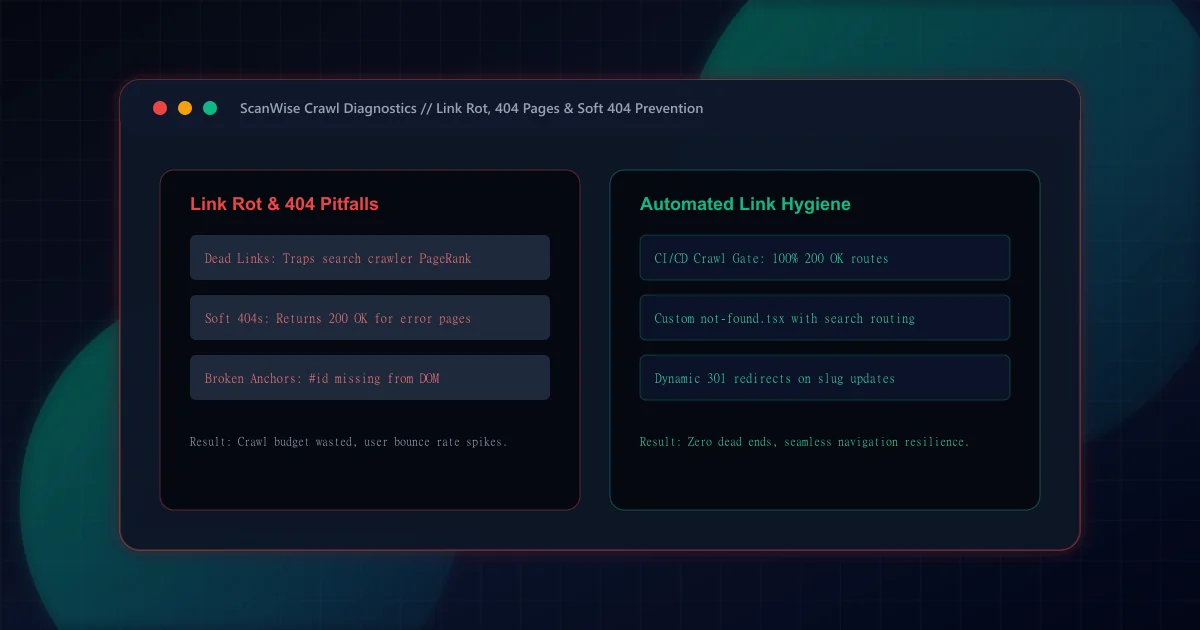
Broken Links and 404 Pages: How to Find, Fix, and Prevent Them
Discover how to find and fix broken links before they harm user experience and SEO. Design effective 404 error pages and prevent link rot across your site.