Canonical URL Strategy: Eliminating Duplicate Content in SSR & Dynamic Routes

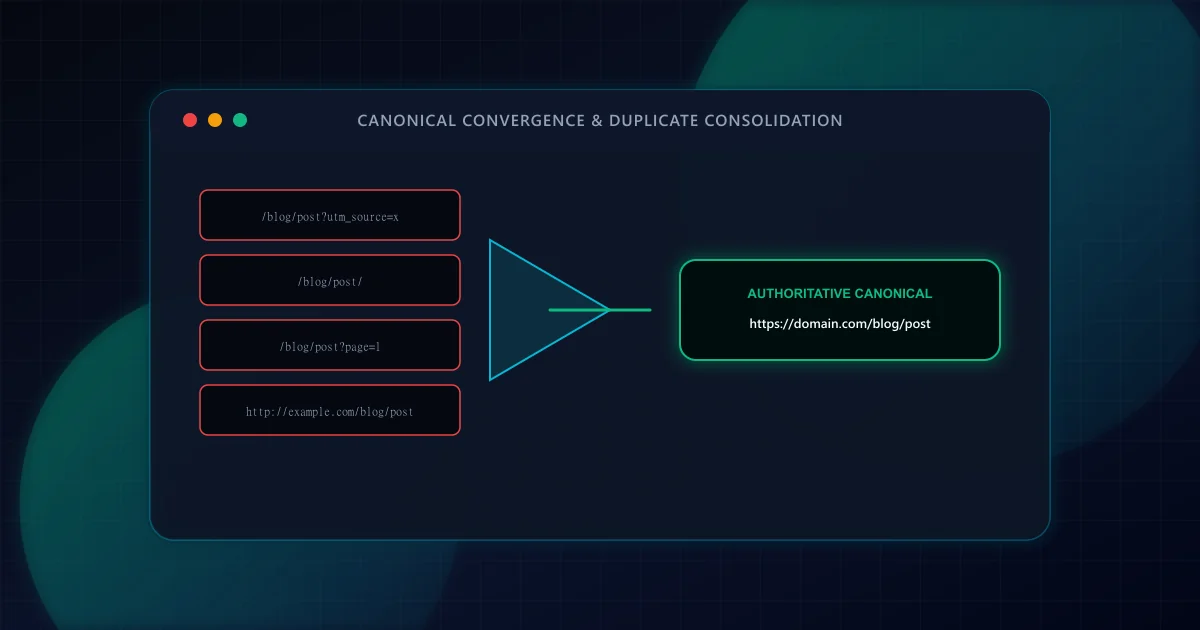
In modern web applications, the same content is frequently accessible across multiple distinct URL paths. Marketing campaigns append UTM tracking parameters, search filters introduce query permutations, trailing slashes create parallel routes, and session IDs produce infinite URL variations. According to Google Search Central documentation on consolidating duplicate URLs, search engines treat URLs with different query strings or protocol variations as separate pages unless a clear canonical relationship is declared.
When duplicate URLs proliferate without canonicalization, search engine bots waste crawl budget requesting identical content repeatedly. Worse, external backlinks and internal link equity (PageRank) dilute across fragmented variations, diminishing the ranking power of the true landing page. In severe cases, search engines may pick the wrong URL variation as the primary result or suppress duplicate pages entirely from search indices.
The canonical link relation was standardized in IETF RFC 6596 to designate an authoritative URL for a collection of duplicate or similar documents. In HTML, it is declared inside the <head> element: <link rel="canonical" href="https://example.com/blog/article" />. For non-HTML assets such as PDFs or programmatic API payloads, the same canonical relationship can be declared via the HTTP Link response header: Link: <https://example.com/article>; rel="canonical".
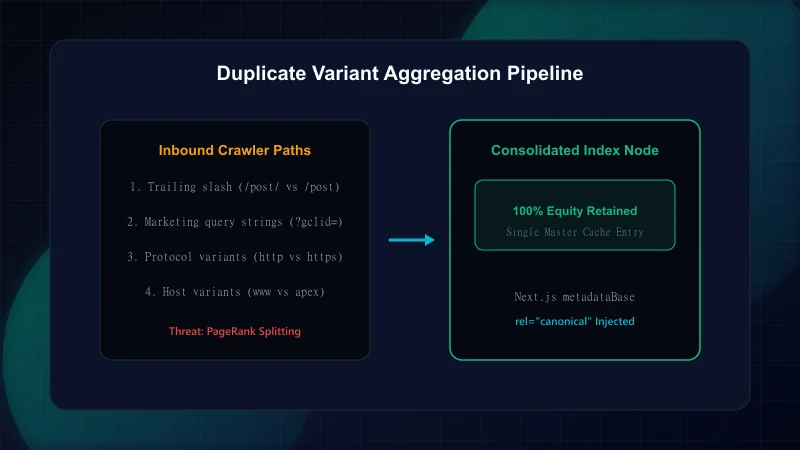
Modern SSR frameworks introduce distinct duplicate content challenges that static HTML sites rarely encounter. Understanding where duplicate URLs originate allows engineering teams to implement proactive edge filters:
By default, web servers and HTTP specifications treat /blog/article and /blog/article/ as distinct resources. If your application responds with HTTP 200 OK for both paths without redirecting, search engine crawlers index both versions. Always configure trailingSlash: false (or true) in your framework configuration and enforce 301 redirects at the server edge.
Inbound traffic from paid search, social media, and email newsletters contains tracking parameters (?utm_source=, ?utm_medium=, ?fbclid=, ?gclid=). If your server dynamically renders the page under every query permutation without self-referencing canonical links, Googlebot discovers thousands of duplicate URLs. For a comprehensive pre-launch audit checklist, review our Developer's Technical SEO Pre-Launch Guide.
A classic pagination failure mode is allowing /blog and /blog/page/1 to serve the same content with different canonical URLs. As enforced in ScanWise's architecture, /blog/page/1 must issue an HTTP 301 permanent redirect to /blog, and subsequent paginated pages (/blog/page/2, /blog/page/3) must contain self-referencing canonical links rather than pointing back to page 1.
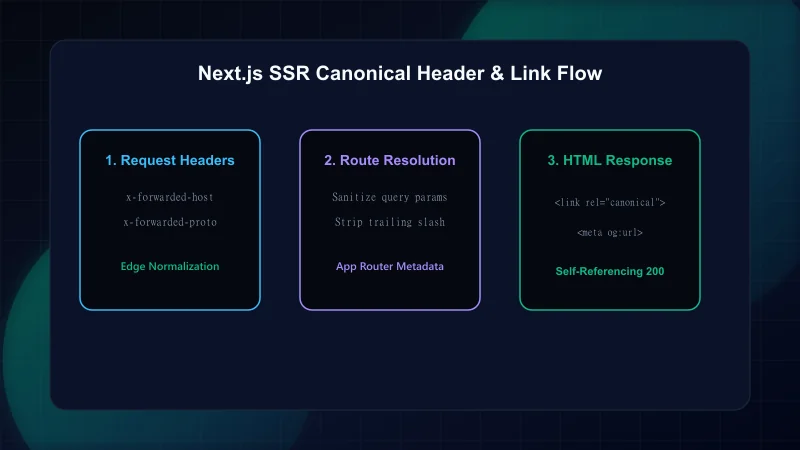
Next.js App Router provides built-in metadata handling that automates canonical generation when configured correctly. The critical architectural foundation is declaring metadataBase in the root layout (src/app/layout.tsx):
// Establishing metadataBase in Next.js Root Layout
import type { Metadata } from "next";

export const metadata: Metadata = {
  // metadataBase is required to safely resolve relative canonical paths to absolute URLs
  metadataBase: new URL(process.env.NEXT_PUBLIC_SITE_URL || "https://example.com"),
  alternates: {
    canonical: "./",
  },
};
According to official Next.js metadataBase documentation, omitting metadataBase causes Next.js to log a build-time warning and generate incomplete relative URLs that search crawlers may misinterpret. With metadataBase set, child routes can define precise canonical paths:
// Dynamic route canonical definition
import { Metadata } from "next";
import { notFound } from "next/navigation";
import { getPostBySlug } from "@/lib/blog/data";

interface Props {
  params: Promise<{ slug: string }>;
}

export async function generateMetadata({ params }: Props): Promise<Metadata> {
  const { slug } = await params;
  const post = getPostBySlug(slug);
  if (!post) return {};

  return {
    title: post.title,
    description: post.excerpt,
    alternates: {
      // Emits: <link rel="canonical" href="https://example.com/blog/slug" />
      canonical: `/blog/${post.slug}`,
    },
  };
}While canonical tags suggest the preferred URL, search engines strongly prefer physical HTTP 301 redirects to resolve casing differences and trailing slashes. Enforcing this at the Next.js middleware level guarantees consistency before page rendering begins:
// Edge middleware enforcing canonical lowercase URLs and trailing slash hygiene
import { NextResponse } from "next/server";
import type { NextRequest } from "next/request";

export function middleware(request: NextRequest) {
  const { pathname, search } = request.nextUrl;

  // Ignore internal Next.js assets and API routes
  if (
    pathname.startsWith("/_next") ||
    pathname.startsWith("/api") ||
    pathname.includes(".")
  ) {
    return NextResponse.next();
  }

  // 1. Enforce lowercase paths
  if (pathname !== pathname.toLowerCase()) {
    const url = request.nextUrl.clone();
    url.pathname = pathname.toLowerCase();
    return NextResponse.redirect(url, 301);
  }

  // 2. Remove trailing slash (except root '/')
  if (pathname.length > 1 && pathname.endsWith("/")) {
    const url = request.nextUrl.clone();
    url.pathname = pathname.slice(0, -1);
    return NextResponse.redirect(url, 301);
  }

  return NextResponse.next();
}
Pairing edge 301 redirects with accurate structured data and self-referencing canonical links establishes a foolproof technical SEO foundation. For structured data guidance, see our deep dive on Schema.org JSON-LD architecture. If you also need to protect crawler access with transport headers, review our guide on Content Security Policy in Next.js.
- Google Search Central: Consolidating Duplicate URLs — Google's official canonicalization guidelines.
- IETF RFC 6596: The Canonical Link Relation — Technical specification defining canonical URL semantics.
- Next.js Documentation: metadataBase Architecture — Vercel's guide on resolving absolute URLs in App Router.
- Google Search Central: Canonicalization Traps and Fallbacks — Why Google may ignore invalid canonical links.
Frequently Asked Questions
Is the rel='canonical' tag a guarantee that Google will index that specific URL?
No. Google treats the canonical tag as a strong hint, not an absolute directive. If the designated canonical URL returns an error, redirects elsewhere, points to non-equivalent content, or contradicts your XML sitemap, Googlebot will select what it computes as the true canonical URL.
Should every page on my website have a self-referencing canonical tag?
Yes. Standard SEO best practice dictates that even unique, non-duplicate pages should contain a self-referencing canonical tag. This prevents duplicate content issues if third parties link with tracking parameters or scrapers mirror your content.
Can I use relative URLs in the rel='canonical' tag?
While browsers may resolve relative paths, Google Search Central strongly recommends using absolute URLs (e.g. https://example.com/blog/post instead of /blog/post) to eliminate ambiguous resolution across base href tags or protocol redirects.
How should paginated pages handle canonical URLs?
Each paginated page (e.g. /blog/page/2, /blog/page/3) must contain a self-referencing canonical tag pointing to itself. Pointing all paginated pages to page 1 is a known anti-pattern that causes search engines to de-index deeper archive pages.
Engineering & Technical Audit Team
The ScanWise engineering and technical SEO team researches web performance, Core Web Vitals, crawl mechanics, and digital compliance.
Related Engineering Guides
The Technical SEO Pre-Launch Checklist for Modern Web Applications
Prevent catastrophic indexation failures before shipping to production. A 20-point engineering checklist covering robots.txt rules, canonical loops, SSR parity, and sitemap hygiene.
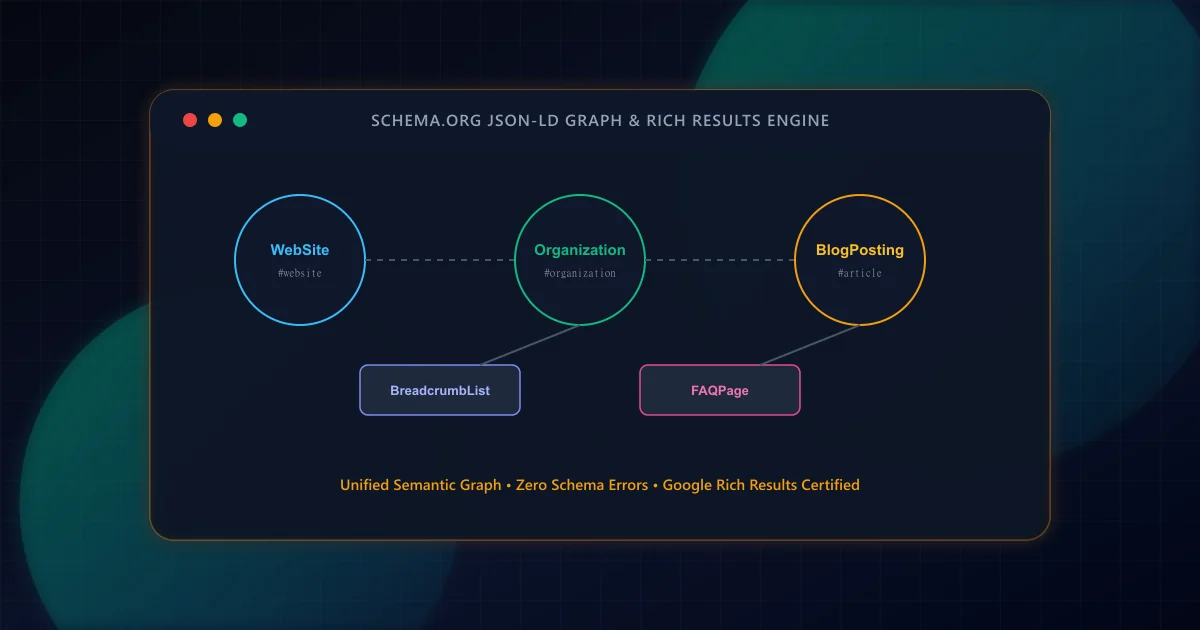
Schema Markup for Modern Web Apps: A Practical JSON-LD Guide
Transform raw HTML into search-engine-readable entity graphs. Build interconnected JSON-LD schemas for Article, Organization, BreadcrumbList, and FAQPage with strict validation.
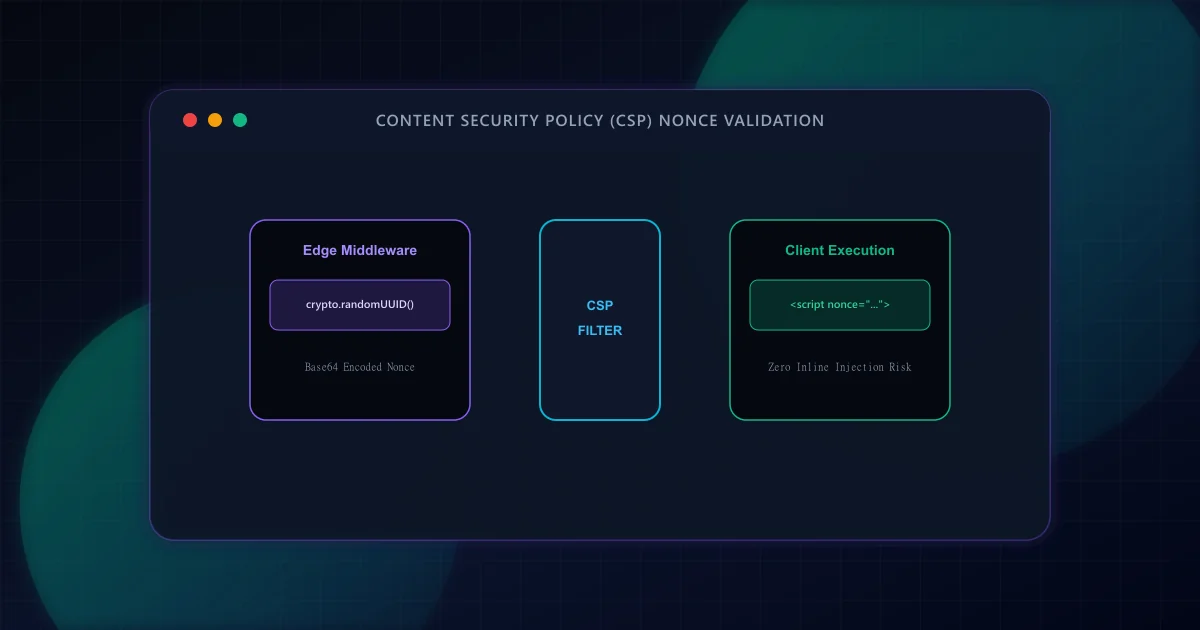
Content Security Policy (CSP) for Next.js App Router: Nonce & Script Management
Deploy strict Content Security Policy (CSP) nonces across Next.js Server Components and Edge middleware without breaking Googlebot crawling, analytics, or React hydration.