React INP Optimization: Debugging Long Tasks and Event Loop Lag

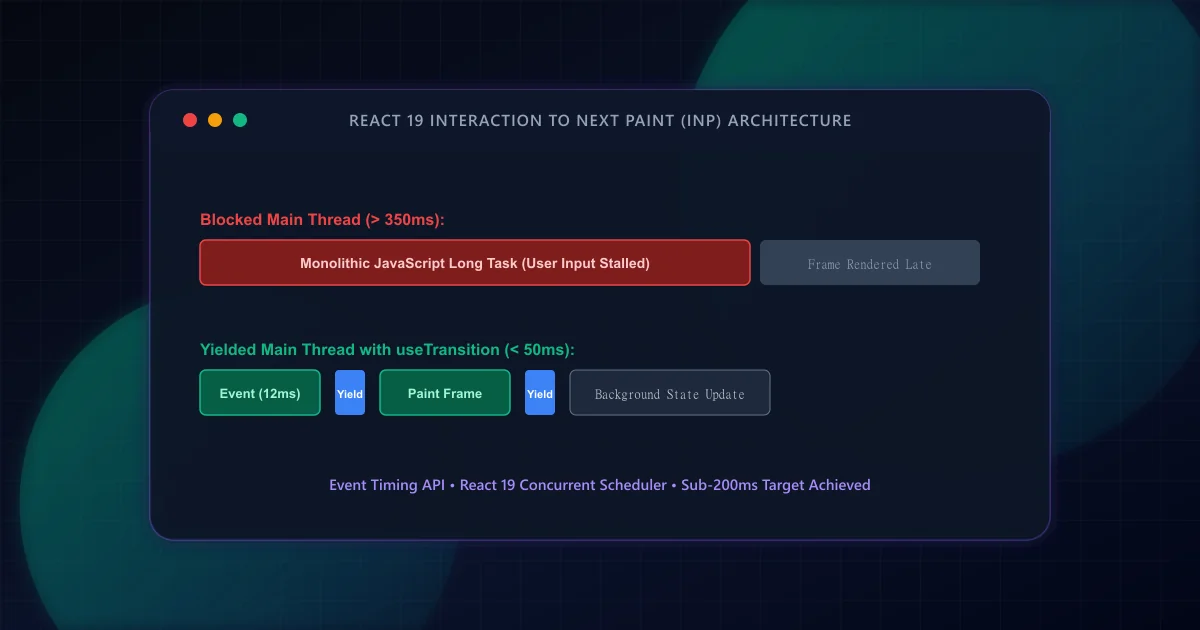
In March 2024, the Chrome Web Vitals program permanently replaced First Input Delay (FID) with Interaction to Next Paint (INP). While FID only measured the input delay of the very first click on a page, INP tracks every user gesture throughout the session lifecycle. Per web.dev INP guidelines, a score of 200 milliseconds or less represents good responsiveness, 200ms to 500ms needs improvement, and above 500ms is classified as poor.
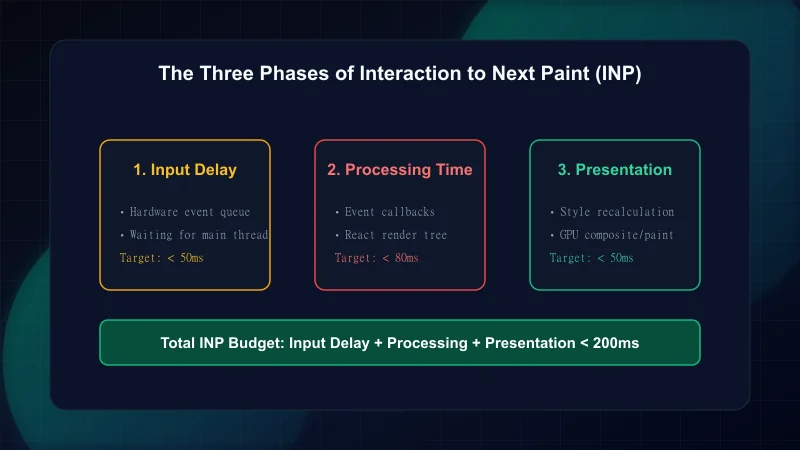
Whenever a user interacts with a page—whether toggling an accordion, typing into a search input, or clicking an interactive tab—the browser executes three distinct sequential steps:
- Input Delay: The wait time from when the physical interaction occurs until the browser event loop can pick up and dispatch the event listener callback. This is prolonged if earlier scripts are monopolizing the main thread.
- Processing Duration: The total time required to execute all synchronous JavaScript callbacks registered to the event (e.g., React event handlers, state reducers, and calculation logic).
- Presentation Delay: The time needed for the browser to recalculate styles, perform layout tree updates, and composite pixels onto the physical display screen.
In React applications, high INP is almost never caused by browser DOM operations alone. Rather, monolithic React component re-renders lock the main thread for over 50ms, transforming normal user interactions into 'Long Tasks'. For complementary strategies regarding image and font rendering, see our Next.js Core Web Vitals guide.
Under the W3C Long Tasks API specification, any contiguous JavaScript execution exceeding 50 milliseconds is designated as a Long Task. When a long task runs, the browser's main thread is locked. Keyboard inputs, scrolling gestures, and screen paints cannot be processed until the task finishes execution.
Modern React provides concurrent primitives to address this exact bottleneck. By bifurcating urgent updates (such as updating an input value or showing a pending spinner) from non-urgent re-renders (such as filtering a thousand data rows), developers keep the browser responsive.
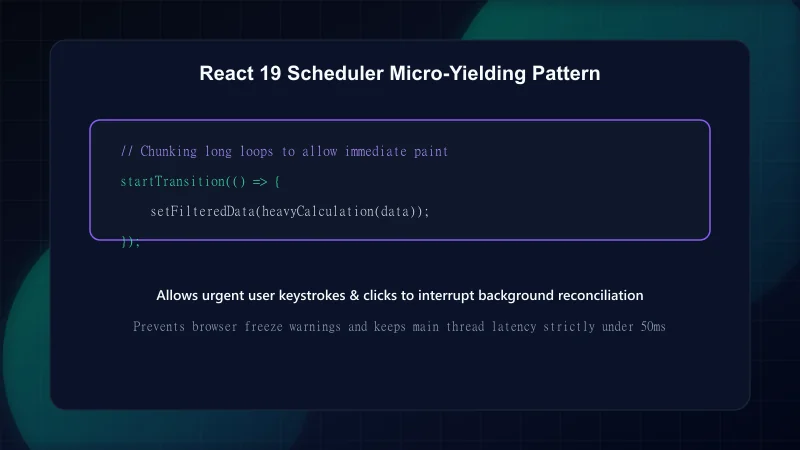
When an interactive filter or search query recalculates heavy state, wrapping the state transition in React's startTransition tells the React reconciler that this update can be interrupted by incoming user gestures. If the user clicks or types again while the transition is rendering, React yields to the newer interaction immediately.
'use client';

import { useState, useTransition, useDeferredValue } from 'react';

interface AuditSearchFilterProps {
  items: Array<{ id: string; name: string; score: number }>;
}

export function AuditSearchFilter({ items }: AuditSearchFilterProps) {
  const [query, setQuery] = useState('');
  const [filteredResults, setFilteredResults] = useState(items);
  const [isPending, startTransition] = useTransition();

  function handleSearchChange(e: React.ChangeEvent<HTMLInputElement>) {
    const nextVal = e.target.value;

    // 1. Urgent update: update input immediately to guarantee sub-50ms visual response
    setQuery(nextVal);

    // 2. Non-urgent update: allow React to yield if user keeps typing
    startTransition(() => {
      const filtered = items.filter((item) =>
        item.name.toLowerCase().includes(nextVal.toLowerCase())
      );
      setFilteredResults(filtered);
    });
  }

  return (
    <div className="space-y-4">
      <input
        type="text"
        value={query}
        onChange={handleSearchChange}
        placeholder="Filter audit records..."
        className="w-full px-4 py-2 border rounded-xl"
      />
      {isPending && <p className="text-xs text-brand-muted">Updating results...</p>}
      <ul className="divide-y">
        {filteredResults.map((item) => (
          <li key={item.id} className="py-2 flex justify-between">
            <span>{item.name}</span>
            <span className="font-mono font-bold">{item.score}</span>
          </li>
        ))}
      </ul>
    </div>
  );
}While React transitions handle component reconciliation, heavy pure-JavaScript computations (such as client-side JSON parsing, data sorting, or cryptographic checks) remain synchronous. To keep these operations from blocking INP, developers can yield execution back to the browser using the emerging scheduler.yield() web API or a setTimeout fallback.
/**
 * Cooperative multitasking helper: yields control back to the browser event loop
 * to allow input handling and screen paint before resuming task execution.
 */
export async function yieldToMain(): Promise<void> {
  // Use native scheduler.yield if available in Chromium
  if ('scheduler' in window && 'yield' in (window as any).scheduler) {
    return await (window as any).scheduler.yield();
  }

  // Fallback for browsers without native scheduler API
  return new Promise((resolve) => {
    setTimeout(resolve, 0);
  });
}

export async function processLargeDataset<T>(
  data: T[],
  processItem: (item: T) => void,
  chunkSize = 100
): Promise<void> {
  for (let i = 0; i < data.length; i++) {
    processItem(data[i]);

    // Yield every N items to prevent Long Tasks > 50ms
    if ((i + 1) % chunkSize === 0) {
      await yieldToMain();
    }
  }
}| Optimization Strategy | Phase Addressed | Target Metric | Implementation |
|---|---|---|---|
| Avoid Heavy Click Handlers | Input Delay | < 50ms | Dispatch work to Web Worker or transition |
| startTransition in React | Processing Time | < 100ms | Wrap state setters in useTransition() |
| Yield to Main Thread | Processing Time | < 50ms chunks | Invoke scheduler.yield() in heavy loops |
| Simplify DOM Depth | Presentation Delay | < 50ms | Eliminate redundant wrapper divs and deep trees |
To ensure your technical setup satisfies search crawler specifications across the board, review our companion guide on Technical SEO pre-launch checklists and test your site with our automated ScanWise audit suite.
Authoritative documentation and specifications referenced in this guide: - web.dev — Interaction to Next Paint (INP) Overview - web.dev — Optimize Long Tasks - React Official Documentation — useTransition Hook - MDN Web Docs — Event Loop and Task Queues
Frequently Asked Questions
How is INP different from First Input Delay (FID)?
FID only measured the initial delay before the browser started processing the very first interaction on a page. INP measures the entire duration (input delay, event handler processing, and final frame presentation) across all clicks, taps, and keypresses throughout the entire session.
What is the threshold for a good INP score?
An INP measurement of 200 milliseconds or less at the 75th percentile of page interactions is classified as 'Good'. Interactions between 200ms and 500ms need improvement, while interactions exceeding 500ms are classified as poor.
Does React 19 eliminate the need for useTransition?
No. React 19 enhances Actions and Async Transitions, but developers still need to explicitly mark non-urgent state updates with startTransition so React knows which renders are interruptible when users interact with the page.
How can I debug INP in Chrome DevTools?
Open Chrome DevTools Performance panel, record an interaction while clicking or typing, and inspect the 'Interactions' track. DevTools highlights interactions exceeding 200ms in red and breaks down Input Delay, Processing Time, and Presentation Delay.
Engineering & Technical Audit Team
The ScanWise engineering and technical SEO team researches web performance, Core Web Vitals, crawl mechanics, and digital compliance.
Related Engineering Guides
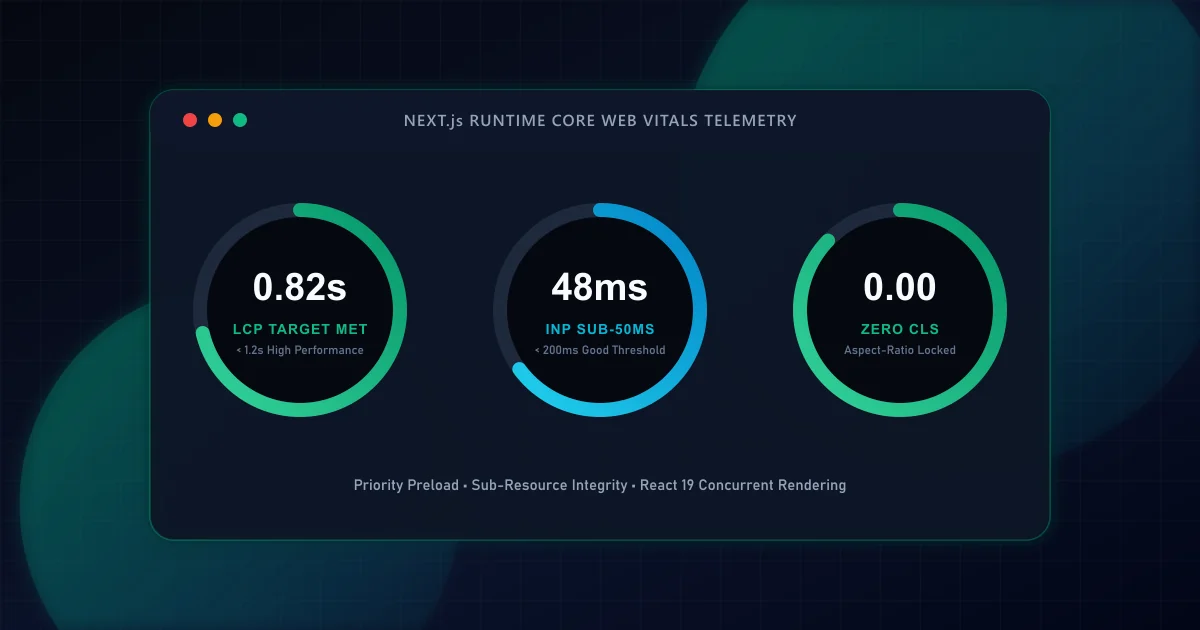
Next.js Core Web Vitals: A Code-Level Guide to Sub-Second LCP
Master the four distinct sub-phases of Largest Contentful Paint in Next.js App Router applications. Learn how priority image loading, font metric fallbacks, and server-streaming eliminate render delays.
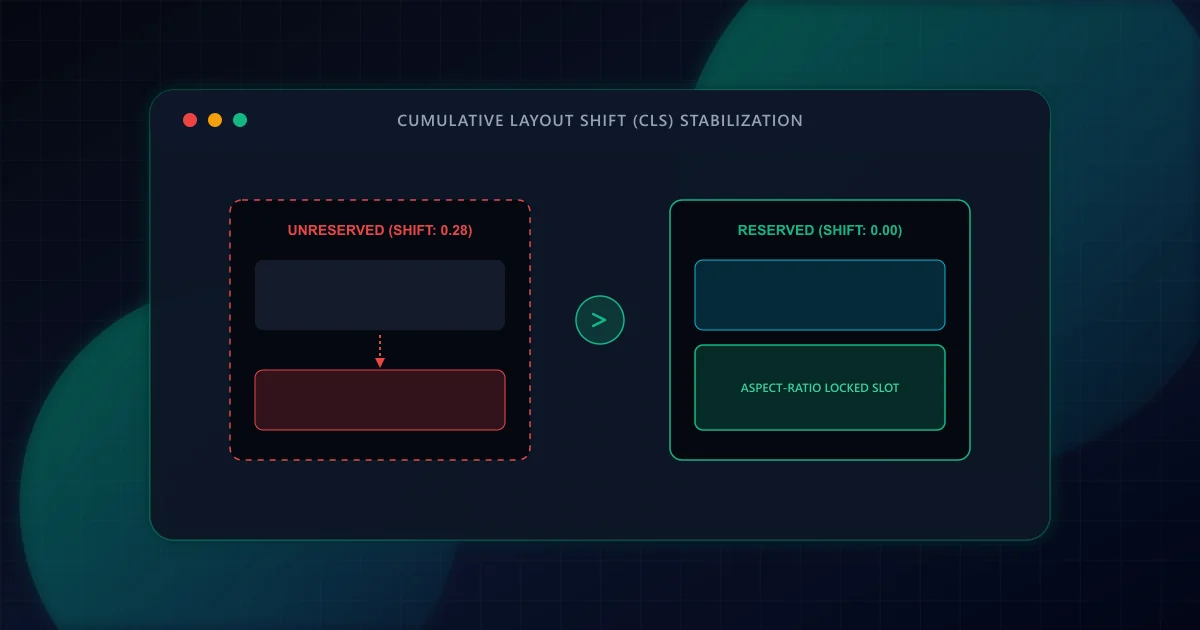
Eliminating Cumulative Layout Shift (CLS) in Dynamic React Frameworks
Prevent disruptive UI jank and improve Core Web Vitals. Discover how to eliminate Cumulative Layout Shift (CLS) in React and Next.js through aspect-ratio reservations, font fallback metrics, and dynamic slot stabilization.
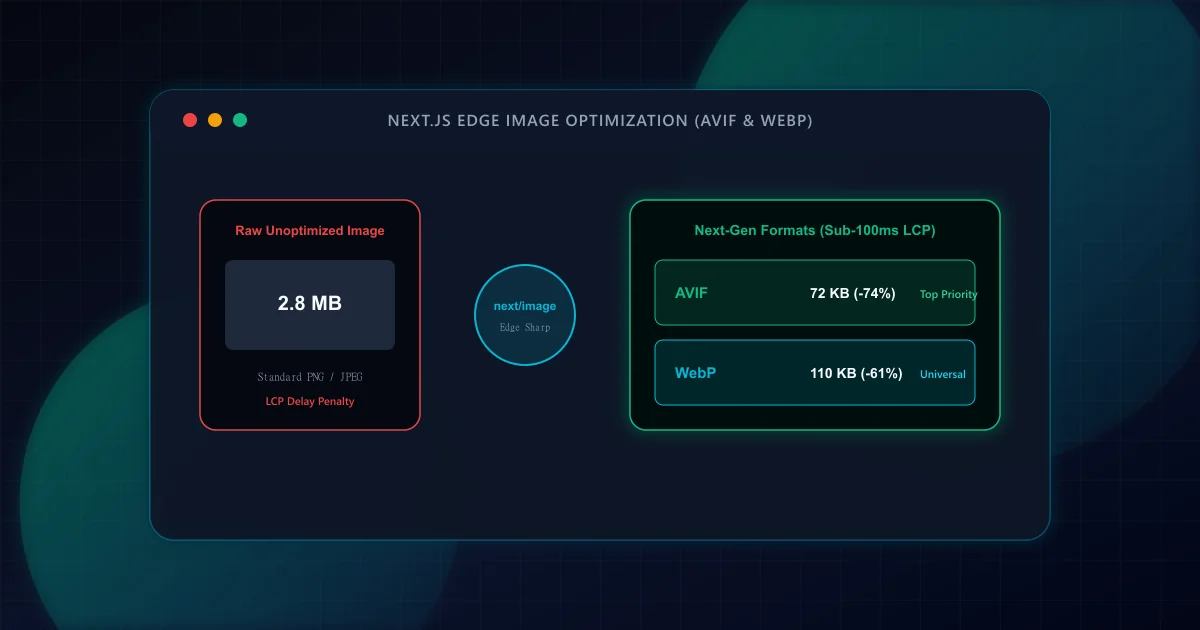
Image CDN & Modern Responsive Formats (AVIF vs WebP) in Next.js
Achieve sub-second LCP by pairing next/image with AVIF, WebP, responsive device sizes, and priority preloading. Eliminate layout shift while slashing image payload by up to 60%.