Broken Links and 404 Pages: How to Find, Fix, and Prevent Them
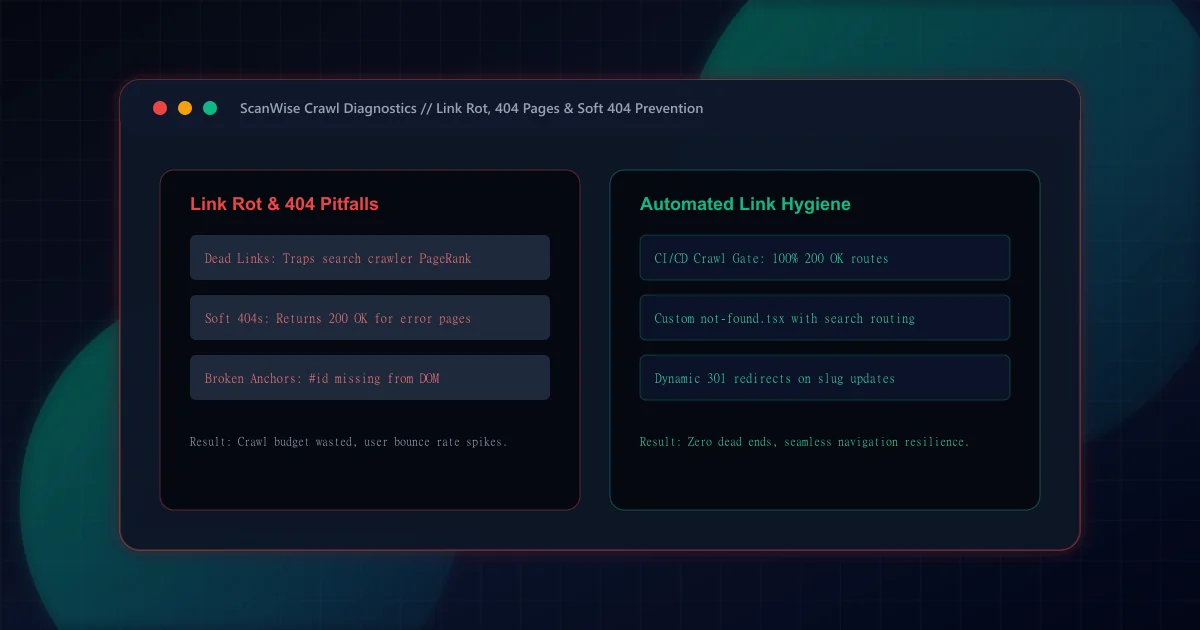
Every hyperlink on your website is an infrastructure conduit through which search engine spiders discover new content and distribute PageRank authority. When a crawler encounters a dead link (HTTP 404), the crawl path terminates abruptly. According to Google Search Central guidance on 404 errors, occasional 404s on deleted pages are normal and do not harm site-wide rankings; however, widespread broken *internal* links waste precious crawl budget and prevent downstream pages from accumulating link equity.
As documented in our 301 vs 302 redirects guide, fixing broken links by updating references directly to the new canonical destination is far superior to accumulating endless redirect chains.
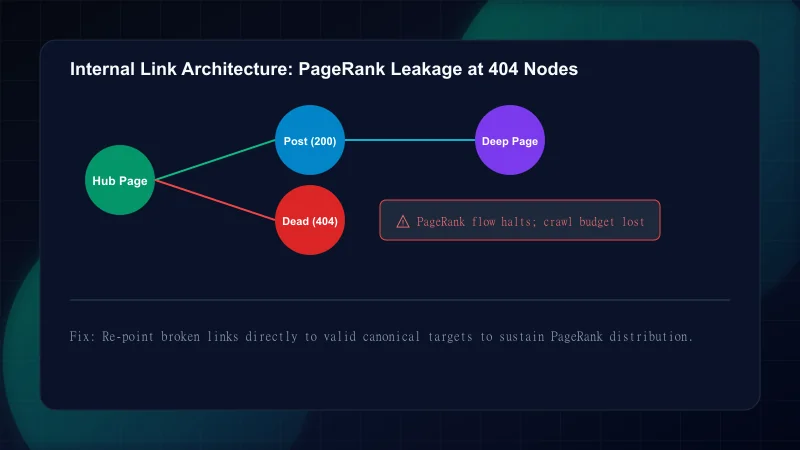
One of the most dangerous technical SEO issues on the modern web is the 'Soft 404.' This occurs when a server or single-page application (SPA) encounters a non-existent URL, renders a visual 'Page Not Found' message, but erroneously returns an HTTP 200 OK response status code:
Hard 404 vs. Soft 404 Comparison
| Dimension | Hard 404 (Correct) | Soft 404 (Anti-Pattern) | HTTP 410 Gone (Intentional) |
|---|---|---|---|
| HTTP Status Code | 404 Not Found | 200 OK | 410 Gone |
| Crawler Interpretation | Resource does not exist; safely de-indexes page | Valid page; attempts to index error text as content | Resource permanently deleted; drops immediately |
| Search Console Status | Clean: 'Not found (404)' coverage state | Error: 'Submitted URL seems to be a Soft 404' | Clean: 'Page removed (410)' coverage state |
| Crawl Budget Impact | Minimal: crawler skips subsequent visits | Severe: crawler repeatedly re-visits empty URL | Optimal: zero re-crawl overhead |
| Implementation | Next.js notFound() or not-found.tsx | Returning 200 from client routing catch-all | Server header: res.status(410) |
Finding broken links before users encounter them requires multi-tiered monitoring across automated tests, search console telemetry, and real browser crawlers:
Comprehensive Link Auditing Protocol
Step 1: Run Automated CI/CD Headless Crawlers (Playwright)
Integrate an automated crawler like ScanWise'sscripts/crawl-site.mjsinto your deployment pipeline. The script crawls every internal hyperlink and asserts HTTP 200 response codes, catching broken routes on pull requests.Step 2: Audit In-Page Anchor Fragments (#section-id)
Standard HTTP requests only validate path endpoints, ignoring the#fragment. Ensure your link audit script uses Playwright or Puppeteer to verify that document elements matchingdocument.getElementById('fragment')actually exist in the DOM.Step 3: Monitor Google Search Console Coverage Reports
Inspect the 'Pages' report under Search Console for 'Not found (404)' and 'Soft 404'. Filter by 'Submitted in sitemap' to immediately catch sitemap synchronization errors.
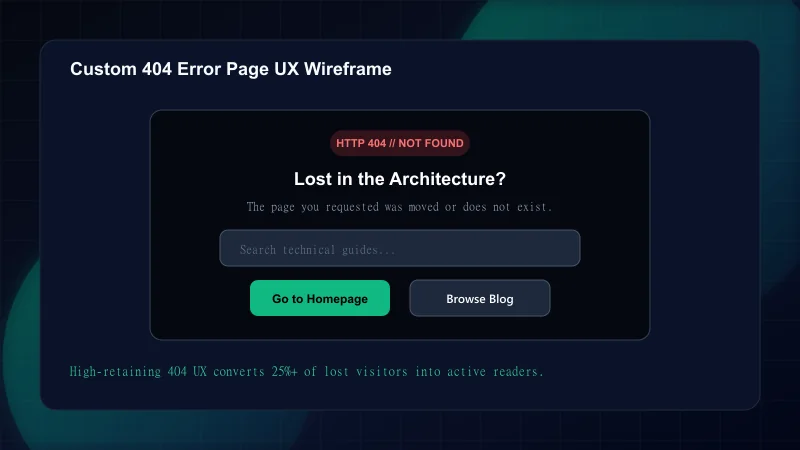
Even with rigorous link auditing, users will occasionally mistype URLs or follow expired external backlinks. An exceptional 404 page retains users, reduces bounce rate, and guides visitors to high-value content.
// src/app/not-found.tsx (Next.js App Router 404 Page)
import Link from "next/link";
import { Search, Compass, BookOpen } from "lucide-react";

export default function NotFound() {
  return (
    <main className="min-h-[70vh] flex flex-col items-center justify-center px-4 text-center">
      <div className="inline-flex items-center gap-2 px-3 py-1 rounded-full bg-red-500/10 text-red-400 text-sm font-semibold mb-4">
        HTTP 404 // Page Not Found
      </div>
      <h1 className="text-4xl sm:text-5xl font-extrabold text-white tracking-tight mb-4">
        Lost in the Architecture?
      </h1>
      <p className="text-lg text-slate-400 max-w-md mb-8">
        The resource you are looking for has been relocated, archived, or never existed.
      </p>

      {/* Helpful Navigation Links */}
      <div className="flex flex-wrap items-center justify-center gap-4">
        <Link
          href="/"
          className="inline-flex items-center gap-2 px-5 py-2.5 rounded-xl bg-emerald-500 text-slate-950 font-bold hover:bg-emerald-400 transition"
        >
          <Compass className="w-4 h-4" /> Return to Homepage
        </Link>
        <Link
          href="/blog"
          className="inline-flex items-center gap-2 px-5 py-2.5 rounded-xl bg-slate-800 text-slate-200 border border-slate-700 hover:bg-slate-700 transition"
        >
          <BookOpen className="w-4 h-4" /> Browse Technical Guides
        </Link>
      </div>
    </main>
  );
}
Avoid these frequent engineering traps when managing URL lifecycles:
Common Broken Link and 404 Mistakes
| Mistake | Why It Hurts | The Fix |
|---|---|---|
| Redirecting all 404 errors to the homepage | Google treats bulk homepage redirects as Soft 404s; users looking for specific articles are confused by the homepage | Redirect only when a direct 1:1 replacement exists; otherwise serve a helpful custom 404 page |
| Changing article slugs without adding 301 redirects | All existing social media bookmarks, external backlinks, and search index entries break simultaneously | Add permanent redirects in next.config.ts or middleware whenever updating URL paths |
| Ignoring case sensitivity in URL paths (/Blog vs /blog) | On Linux-based production servers, URLs are strictly case-sensitive; uppercase variants return 404 | Normalize all incoming request paths to lowercase in edge middleware |
| Leaving broken links in navigation menus and footers | Site-wide template links multiply broken request counts across every single page load | Audit layout templates and navigation components with automated Playwright crawl gates |
| Serving a custom 404 page with an HTTP 200 status code | Triggers Soft 404 penalties and causes search engines to index error templates | Always verify with curl that your 404 page returns an authentic HTTP 404 response header |
Review this verification checklist to guarantee site-wide link integrity:
Frequently Asked Questions
What is a soft 404 error and why does Google penalize it?
A soft 404 error occurs when a webpage displays an error message telling users the content does not exist, but returns an HTTP 200 OK success header to the browser. Google penalizes soft 404s because they waste crawl budget and confuse search indexing algorithms.
Do broken internal links waste search engine crawl budget?
Yes. Every time search engine crawlers follow a broken link, they consume bandwidth and request limits without discovering valuable content. This reduces the frequency with which search engines re-crawl your actual revenue-generating pages.
What essential elements must an effective custom 404 error page contain?
An effective custom 404 page must return an authentic HTTP 404 header, feature clear and friendly error messaging, and provide prominent links to key pages (such as the homepage, blog archive, and core topic hubs).
How do you find broken in-page anchor fragments (#id) across a large website?
Standard HTTP link checkers only test server response codes, ignoring anchors. To find broken fragments, use headless browser automation (such as Playwright or Puppeteer) to parse all href='#...' links and verify that document.getElementById() returns a matching DOM element.
Should external broken links on your site be redirected or removed?
External broken links (links pointing to third-party domains that have died) cannot be redirected on your server. They should either be removed or replaced with an active, reputable primary source.

Engineering & Technical Audit Team
The ScanWise engineering and technical SEO team researches web performance, Core Web Vitals, crawl mechanics, and digital compliance.
Related Engineering Guides
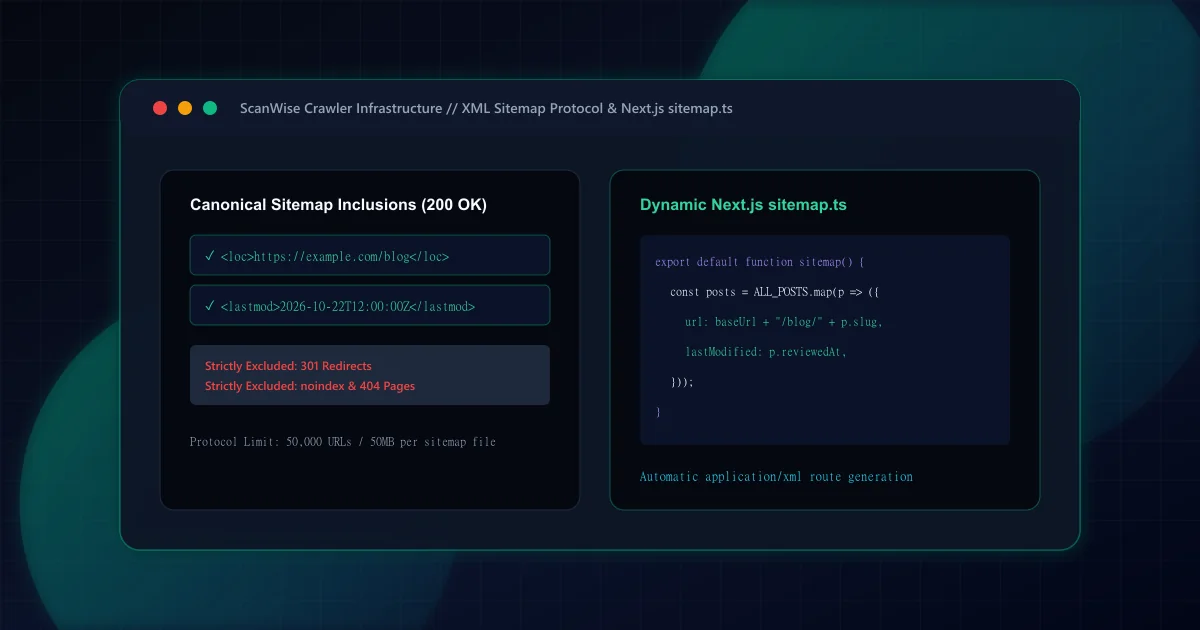
XML Sitemap Architecture: What to Include, Exclude, and Build in Next.js
Comprehensive XML sitemap guide for technical SEO. Learn what to include, what to exclude, how to handle pagination, and generate dynamic sitemap.ts in Next.js.
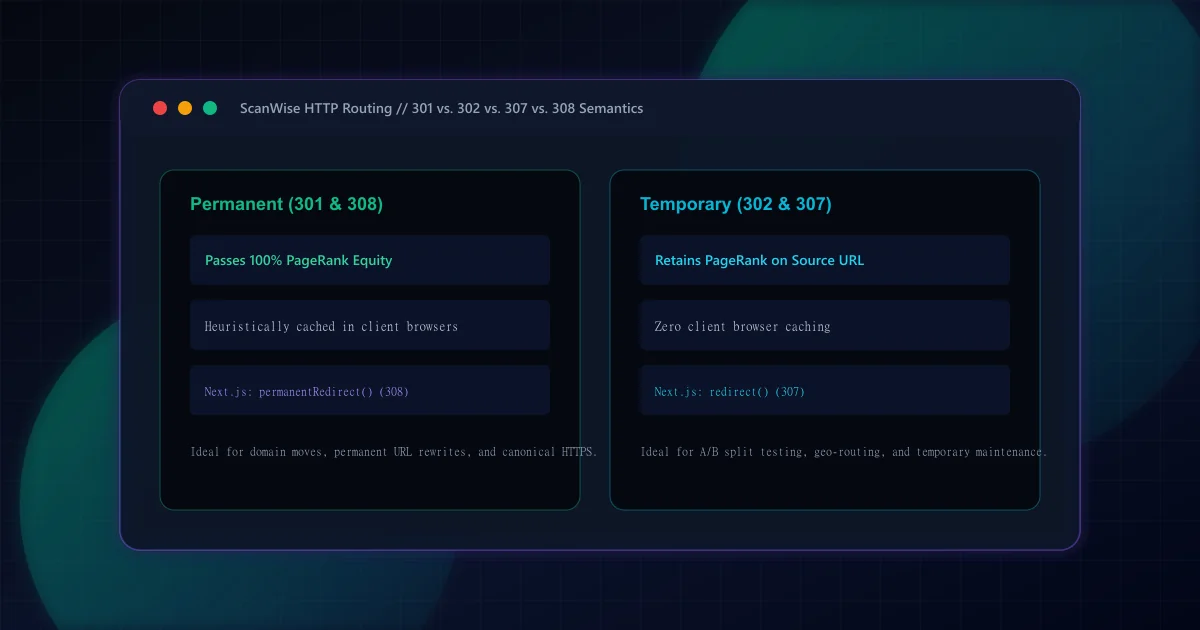
301 vs 302 Redirects for SEO: HTTP Semantics and Link Equity
Understand the SEO differences between 301 and 302 redirects. Learn when to use permanent vs temporary status codes, plus how Next.js handles 307 and 308 headers.
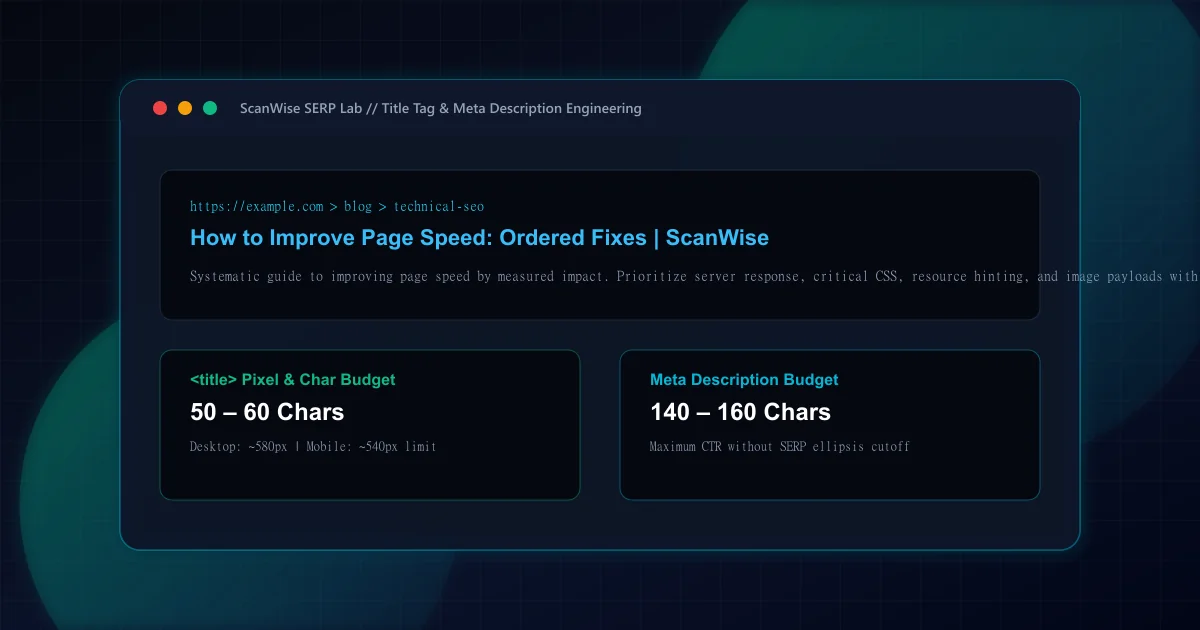
Title Tag and Meta Description: Length Rules, Rewriting, and Mistakes
Master title tag and meta description optimization. Avoid pixel truncation, prevent Google title rewriting, and structure high-CTR search snippets that convert.