Content Security Policy (CSP) for Next.js App Router: Nonce & Script Management

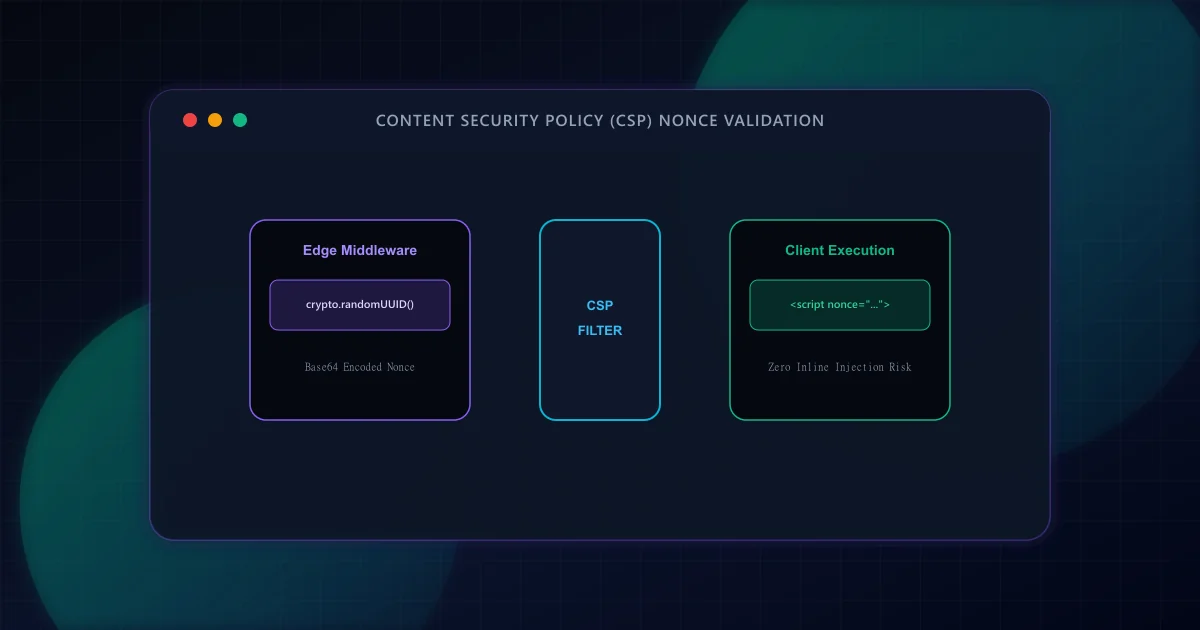
Cross-Site Scripting (XSS) remains one of the most widespread and severe web security risks documented by the OWASP Top 10 Web Application Vulnerabilities. If an attacker injects malicious JavaScript into your web application, they can hijack user sessions, exfiltrate sensitive cookies, or execute clandestine redirects. From a search engine perspective, if Googlebot detects malicious script execution, malware downloads, or unauthorized cloaking, search engines display prominent security warnings and remove affected URLs from search indices.
To mitigate XSS, the W3C standardized Content Security Policy Level 3. CSP allows site owners to define an allowlist of trusted sources for scripts, styles, images, and network connections. However, in modern React and Next.js applications, framework hydration scripts, inline JSON-LD schemas, and analytics trackers require specialized nonce orchestration to execute safely without resorting to dangerous 'unsafe-inline' overrides. For foundational transport security concepts, review our guide on HTTP Security Headers and SEO.
Historically, developers constructed CSPs by listing approved domain origins: script-src 'self' https://trusted-cdn.com. According to security research published by the Google Information Security Engineering team, over 95% of domain-based CSPs can be bypassed via JSONP endpoints, open redirects, or script gadgets hosted on allowlisted CDNs. As a consequence, modern web security standards deprecate static origin allowlists in favor of nonce-based policies.
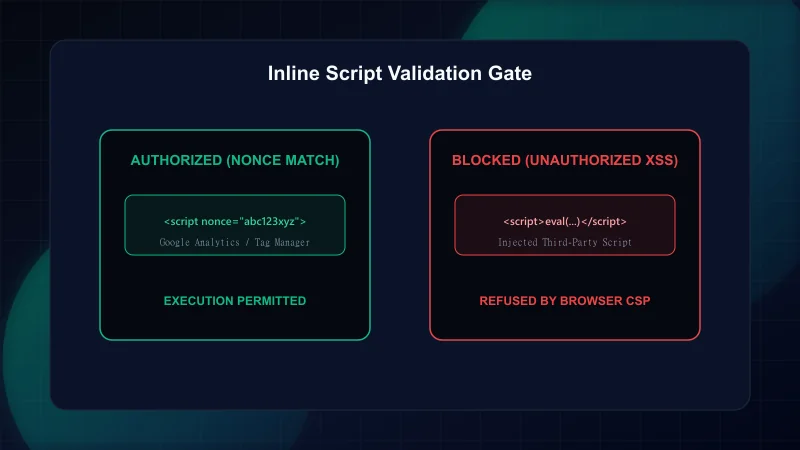
A nonce (number used once) is a cryptographically strong, pseudorandom string generated uniquely for each HTTP request. The origin server attaches this token to the Content-Security-Policy HTTP response header: script-src 'nonce-{RANDOM_VALUE}'. When the browser parses the returned HTML document, it executes *only* script tags that possess an identical matching nonce attribute: <script nonce="{RANDOM_VALUE}">. Any script tag injected by an attacker lacks this unpredictable secret token and is rejected by the browser layout engine before execution.
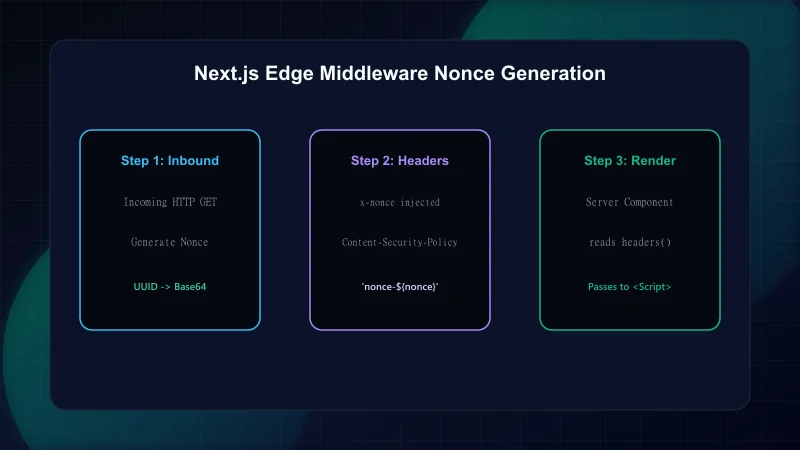
In Next.js App Router, implementing nonces requires coordinated communication between Edge Middleware (which intercepts inbound requests) and root Server Components (which render the initial HTML document tree).
In middleware.ts, generate a high-entropy UUID using the Web Crypto API, encode it to base64, and construct the Content-Security-Policy header string. We pass the nonce to downstream Server Components by setting a custom request header (x-nonce):
// Next.js Edge Middleware Nonce Generation
import { NextResponse } from "next/server";
import type { NextRequest } from "next/server";

export function middleware(request: NextRequest) {
  // 1. Generate high-entropy 128-bit random nonce
  const nonce = Buffer.from(crypto.randomUUID()).toString("base64");

  // 2. Define strict CSP directive
  // 'strict-dynamic' instructs modern browsers to trust scripts loaded by nonce-authorized root scripts
  const cspHeader = `
    default-src 'self';
    script-src 'self' 'nonce-${nonce}' 'strict-dynamic' https: 'unsafe-inline';
    style-src 'self' 'unsafe-inline';
    img-src 'self' blob: data: https:;
    font-src 'self' data:;
    object-src 'none';
    base-uri 'self';
    form-action 'self';
    frame-ancestors 'none';
    upgrade-insecure-requests;
  `.replace(/\s{2,}/g, " ").trim();

  // 3. Clone request headers and set x-nonce for Server Components
  const requestHeaders = new Headers(request.headers);
  requestHeaders.set("x-nonce", nonce);
  requestHeaders.set("Content-Security-Policy", cspHeader);

  const response = NextResponse.next({
    request: {
      headers: requestHeaders,
    },
  });

  // 4. Set CSP on final outgoing response
  response.headers.set("Content-Security-Policy", cspHeader);

  return response;
}According to Next.js App Router Content Security Policy documentation, Server Components access incoming request headers via the headers() function. In src/app/layout.tsx, retrieve the x-nonce and attach it to root script tags and Next.js <Script> primitives:
// Reading and propagating nonces in Server Component Root Layout
import { headers } from "next/headers";
import Script from "next/script";

export default async function RootLayout({ children }: { children: React.ReactNode }) {
  const headersList = await headers();
  const nonce = headersList.get("x-nonce") || undefined;

  return (
    <html lang="en">
      <head>
        {/* Next.js automatically propagates nonce to hydration bundles */}
      </head>
      <body>
        {children}
        {/* Third-party analytics rendered with authorized nonce */}
        <Script
          id="tag-manager"
          strategy="afterInteractive"
          nonce={nonce}
          dangerouslySetInnerHTML={{
            __html: `console.log("Authorized telemetry script loaded safely.");`,
          }}
        />
      </body>
    </html>
  );
}
Search engine bots like Googlebot render JavaScript using modern headless Chromium engines. While Googlebot executes JavaScript during its indexing pass, overly restrictive CSP headers can inadvertently block crawler verification tokens, structured data rendering, or dynamic asset fetching. To protect crawlability:
- Never block image or font sources: Ensure
img-srcandfont-srcpermithttps:anddata:schemes so visual assets render properly during automated visual rendering passes. - Avoid restricting base-uri to empty origins: Keep
base-uri 'self'to prevent base-tag hijacking without interfering with canonical link resolution. - Allow analytics endpoints: Set
connect-src 'self' https://*.google-analytics.comto prevent silent tracking degradation. - Enforce canonical URLs at the edge: Pair your CSP headers with clean canonical tags to prevent crawl fragmentation; see our guide on Canonical URL Strategy in Next.js.
For teams auditing pre-launch readiness, refer to our comprehensive 12-step technical SEO checklist to verify that headers, metadata, and crawl access work harmoniously.
- W3C Content Security Policy Level 3 Specification — Official W3C recommendation for modern CSP directives and nonces.
- MDN Web Docs: Content-Security-Policy — Comprehensive browser reference on header directives.
- Next.js Documentation: Content Security Policy — Official Vercel guide for App Router middleware nonce integration.
- OWASP Foundation: Content Security Policy Cheat Sheet — Enterprise web application security best practices.
Frequently Asked Questions
Does Content Security Policy (CSP) directly improve search engine rankings?
No. Content Security Policy is a security mechanism, not a direct Google ranking signal. However, it prevents site defacement, malware injection, and malicious redirects that cause search engines to display security interstitials or blacklist domains.
What is a cryptographic nonce in Content Security Policy?
A nonce is a high-entropy, cryptographically generated random string produced uniquely for every HTTP request. Scripts in the HTML document execute only if their nonce attribute matches the nonce declared in the HTTP response header.
Why is 'unsafe-inline' considered dangerous in script-src?
Allowing 'unsafe-inline' permits any inline script tag to execute, rendering the browser unable to distinguish between legitimate application code and malicious scripts injected through Cross-Site Scripting (XSS) vulnerabilities.
Can Content Security Policy break Googlebot crawling?
Yes, if misconfigured. If directives like connect-src, img-src, or script-src block essential framework rendering assets or Google verification endpoints, Googlebot may fail to render the page, leading to partial indexing.
Engineering & Technical Audit Team
The ScanWise engineering and technical SEO team researches web performance, Core Web Vitals, crawl mechanics, and digital compliance.
Related Engineering Guides
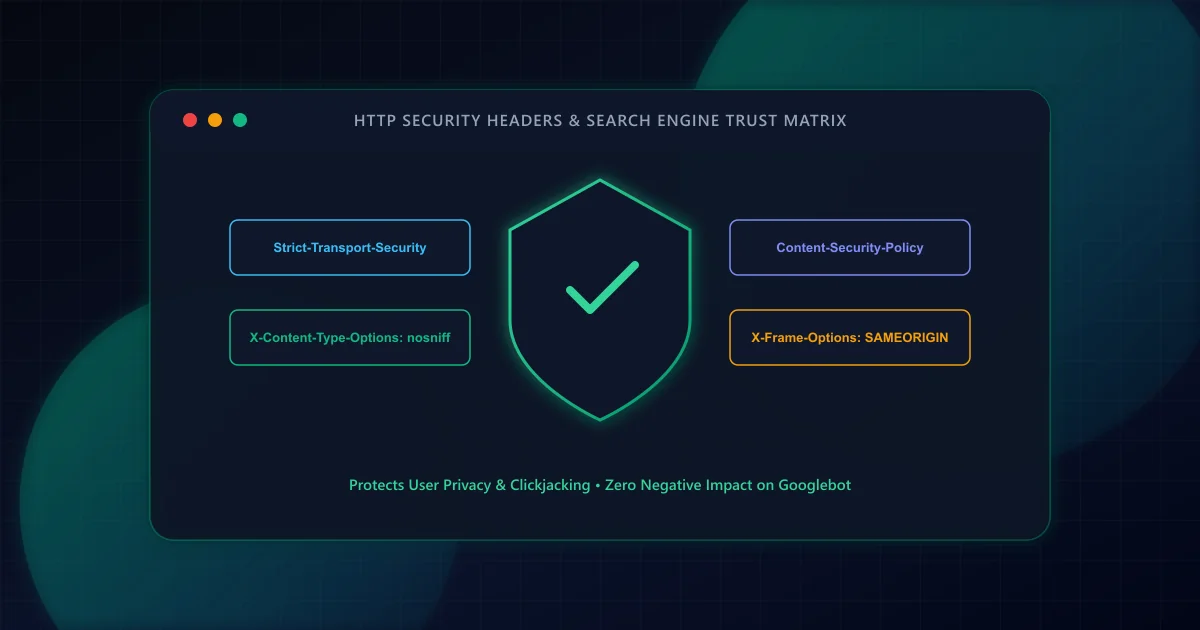
HTTP Security Headers and SEO: Protecting Crawlers and Users
Transport security is an essential foundation for web platforms. Learn how HSTS, Content Security Policy, and X-Content-Type-Options protect users, streamline crawl requests, and preserve analytics attribution.
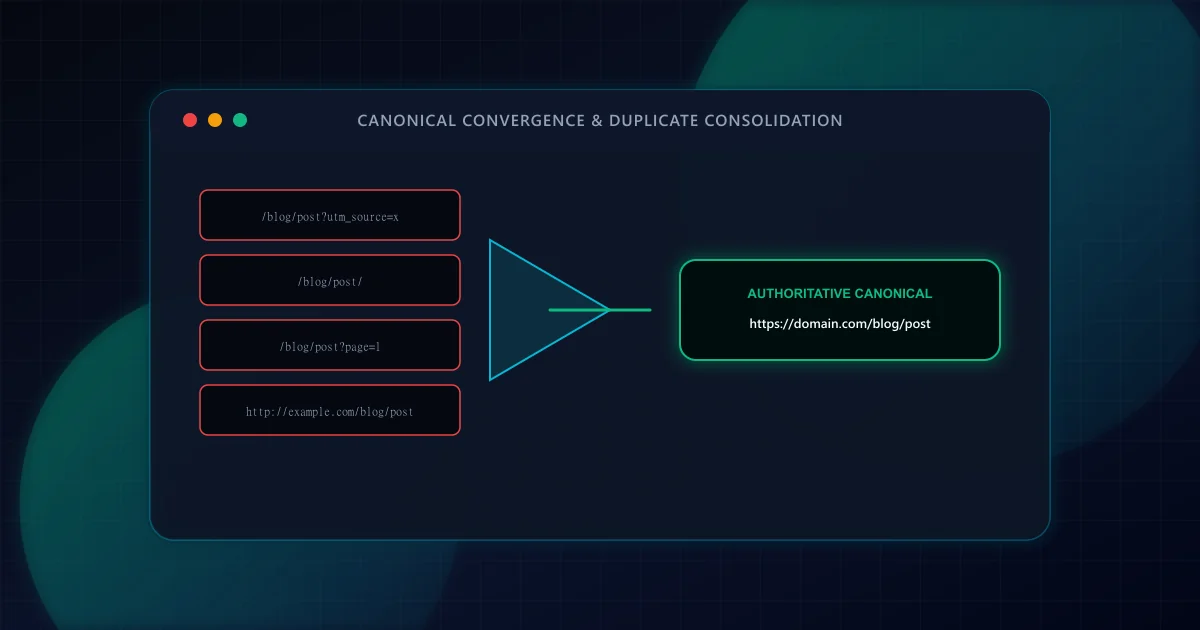
Canonical URL Strategy: Eliminating Duplicate Content in SSR & Dynamic Routes
Master canonicalization in Next.js App Router. Learn how to prevent duplicate content penalties from trailing slashes, tracking parameters, pagination, and multi-tenant subdomains.
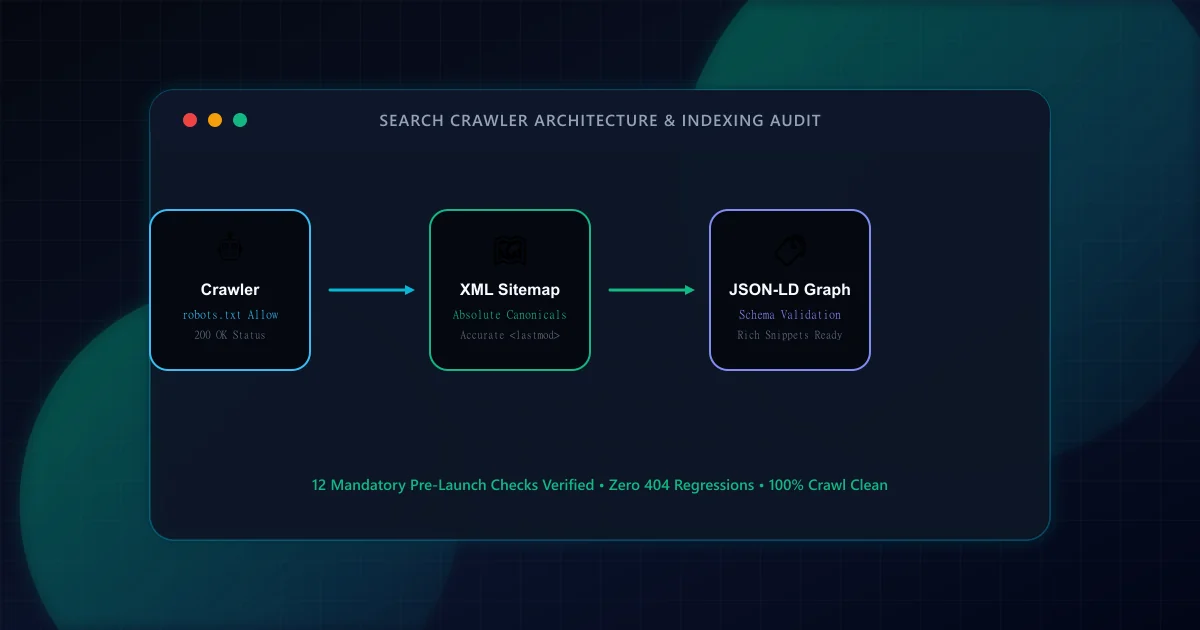
The Technical SEO Pre-Launch Checklist for Modern Web Applications
Prevent catastrophic indexation failures before shipping to production. A 20-point engineering checklist covering robots.txt rules, canonical loops, SSR parity, and sitemap hygiene.