WCAG 2.1 AA Automated Auditing with axe-core in CI/CD Pipelines

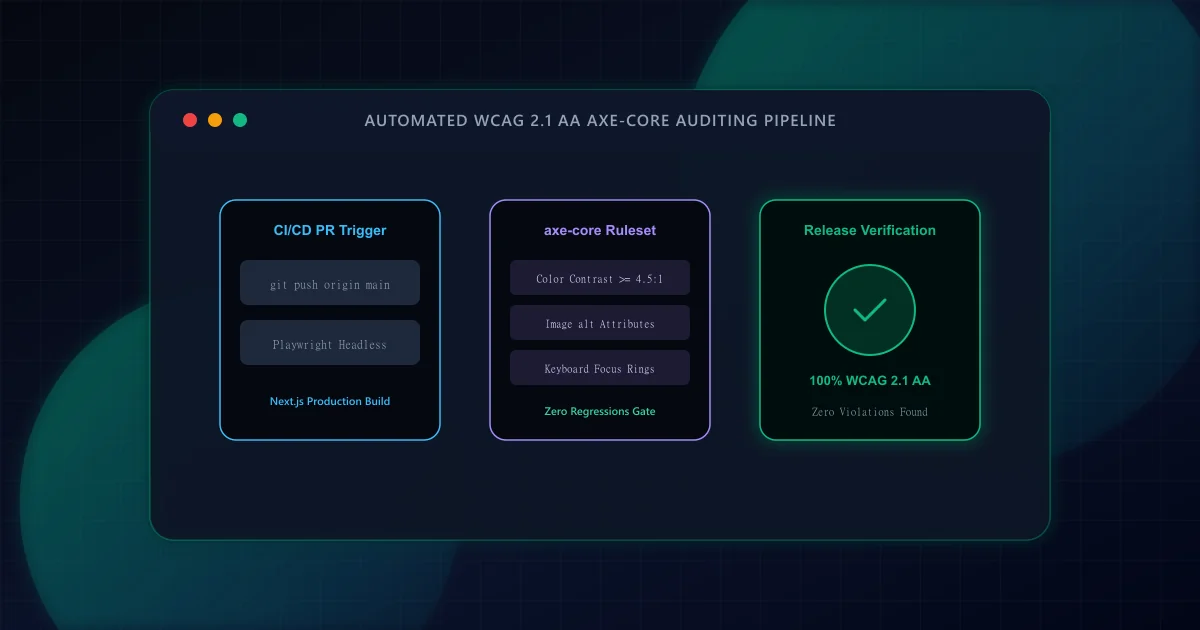
Digital accessibility is a fundamental engineering requirement, legal standard, and SEO quality indicator. The W3C Web Content Accessibility Guidelines (WCAG) 2.1 establish international criteria categorized into four core principles: Perceivable, Operable, Understandable, and Robust (POUR). For modern web platforms, Level AA compliance serves as the baseline benchmark across global jurisdictions (such as the ADA in the United States and the European Accessibility Act in the EU).
However, relying exclusively on manual audits before quarterly releases guarantees regressions. Design token tweaks, component refactors, and rapid feature ship cycles inevitably introduce unlabelled icon buttons, inaccessible form controls, and low-contrast text. By embedding automated accessibility testing directly into CI/CD pipelines using Deque axe-core and Playwright, development teams catch violations on every pull request before bad code touches production.
According to research from Deque Systems and the UK Government Digital Service, automated rule-based engines reliably detect between 30% and 57% of WCAG issues. Understanding what automation excels at—and where it falls short—is critical for realistic quality assurance:
- What Automation Catches Deterministically: Missing
altattributes on images, color contrast ratios below mathematical thresholds, invalid ARIA attributes and roles, duplicate element IDs, missing form<label>associations, and empty interactive buttons or link anchors. - What Requires Human Judgment: Alt text accuracy and relevance (e.g. an image having
alt="image"technically passes automation but fails human comprehension), logical tab order during complex multi-step modal workflows, and screen reader announcements during dynamic live-region updates.
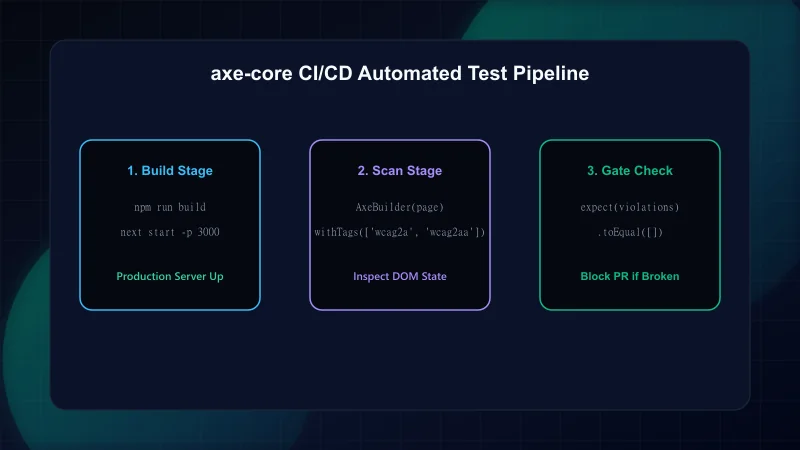
Color contrast failure is the single most common accessibility violation on the web, present on over 80% of top homepages according to the annual WebAIM Million audit. WCAG 2.1 Success Criterion 1.4.3 mandates a mathematical relative luminance contrast ratio:
Contrast Ratio = (L1 + 0.05) / (L2 + 0.05), where L1 is the relative luminance of the lighter color and L2 is the relative luminance of the darker color, normalized on a scale from 0.0 (pure black) to 1.0 (pure white). For standard text below 18pt (or below 14pt bold), the ratio must equal or exceed 4.5:1. For large text, the threshold is 3:1.
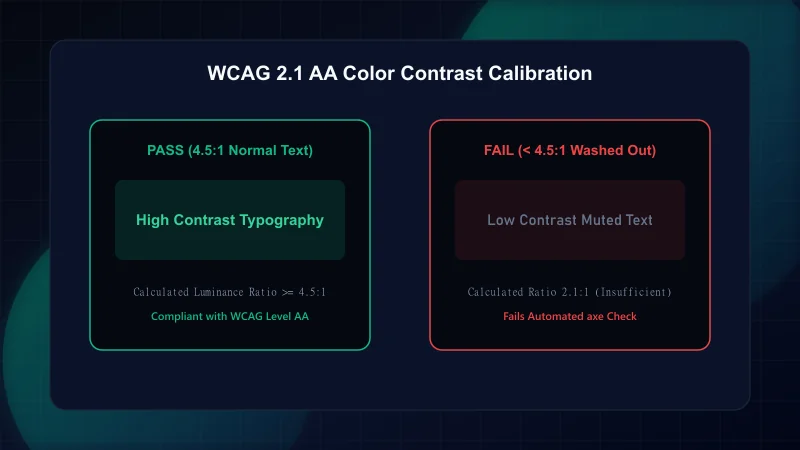
To test modern React and Next.js applications accurately, static HTML parsers are insufficient because client hydration, CSS-in-JS, and portal overlays dictate the final DOM state. Using @axe-core/playwright launches a headless Chromium instance that evaluates the live rendered application exactly as a real user or assistive screen reader encounters it:
// Automated WCAG 2.1 AA Playwright test suite
import { test, expect } from "@playwright/test";
import AxeBuilder from "@axe-core/playwright";

const TEST_ROUTES = [
  "/",
  "/blog",
  "/about/editorial-policy",
  "/blog/nextjs-core-web-vitals-guide",
];

for (const route of TEST_ROUTES) {
  test(`Audit accessibility compliance on route: ${route}`, async ({ page }) => {
    // Navigate to production build route
    await page.goto(route, { waitUntil: "networkidle" });

    // Execute axe-core scanner targeting WCAG 2.0 & 2.1 Level A & AA
    const accessibilityScanResults = await new AxeBuilder({ page })
      .withTags(["wcag2a", "wcag2aa", "wcag21a", "wcag21aa"])
      .exclude("#third-party-widget") // Exclude sandboxed third-party embeds if necessary
      .analyze();

    // Assert zero violations
    const violations = accessibilityScanResults.violations;
    if (violations.length > 0) {
      console.error(
        `Accessibility Violations found on ${route}:`,
        JSON.stringify(violations, null, 2)
      );
    }

    expect(violations).toEqual([]);
  });
}
Notice that testing against networkidle guarantees that dynamic components, custom web fonts, and hydration transitions have fully settled before the accessibility tree is inspected. If you are also auditing layout reflows during client hydration, see our guide on Eliminating Cumulative Layout Shift (CLS) in React.
To prevent regressions from merging into your main branch, configure a GitHub Actions workflow that builds your Next.js application, launches the production server, and runs the Playwright axe-core audit suite on every pull request:
# GitHub Actions Automated Accessibility Quality Gate
name: Accessibility CI Gate

on:
  pull_request:
    branches: [main]

jobs:
  accessibility-audit:
    runs-on: ubuntu-latest
    steps:
      - name: Checkout Repository
        uses: actions/checkout@v4

      - name: Setup Node.js
        uses: actions/setup-node@v4
        with:
          node-version: 20
          cache: "npm"

      - name: Install Dependencies
        run: npm ci

      - name: Install Playwright Browsers
        run: npx playwright install --with-deps chromium

      - name: Build Next.js Production Bundle
        run: npm run build

      - name: Run Accessibility Test Suite
        run: npm run test:a11y
By enforcing npm run test:a11y as a required status check on your repository's branch protection rules, code that violates WCAG AA standards cannot be merged. For a broader holistic audit across performance, crawlability, and security, refer to our 12-step technical SEO pre-launch checklist and Schema.org structured data guide.
- W3C Web Content Accessibility Guidelines (WCAG) 2.1 — Official international technical standard for digital accessibility.
- Deque Systems axe-core GitHub Documentation — Core open-source rules engine for accessibility automation.
- Playwright Official Accessibility Testing Guide — Integrating AxeBuilder into automated browser test runners.
- web.dev: Accessibility Fundamentals — Google's modern engineering guide to semantic HTML and ARIA.
Frequently Asked Questions
Can automated accessibility tools catch 100% of WCAG violations?
No. Automated tools such as axe-core catch between 30% and 57% of WCAG issues. Essential user experience aspects like meaningful alt text, screen reader reading flow, and keyboard trap recovery require human manual verification.
What is the minimum color contrast ratio required by WCAG 2.1 AA?
WCAG 2.1 Level AA requires a minimum relative luminance contrast ratio of 4.5:1 for normal body text (under 18pt or under 14pt bold) and 3.0:1 for large text and critical UI components like form input borders.
Why should axe-core be run against a production build rather than development?
Development builds often include hot-reload overlays, debug wrappers, or unminified CSS that do not reflect production rendering. Running tests against 'next build' and 'next start' ensures tests inspect the exact DOM served to end users.
Does website accessibility impact organic search engine optimization?
Yes. While WCAG compliance is not a direct algorithmic search signal, accessibility practices—such as semantic HTML, descriptive heading hierarchies, alt text, and fast-rendering clean DOM trees—directly improve search engine crawlability and page experience metrics.
Engineering & Technical Audit Team
The ScanWise engineering and technical SEO team researches web performance, Core Web Vitals, crawl mechanics, and digital compliance.
Related Engineering Guides
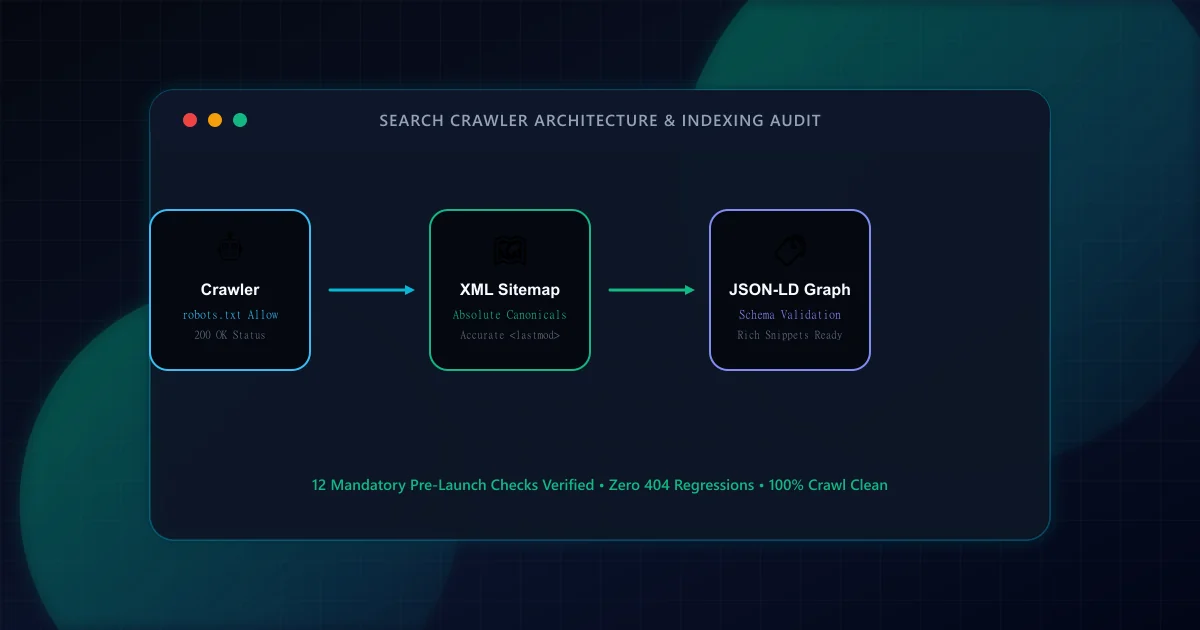
The Technical SEO Pre-Launch Checklist for Modern Web Applications
Prevent catastrophic indexation failures before shipping to production. A 20-point engineering checklist covering robots.txt rules, canonical loops, SSR parity, and sitemap hygiene.
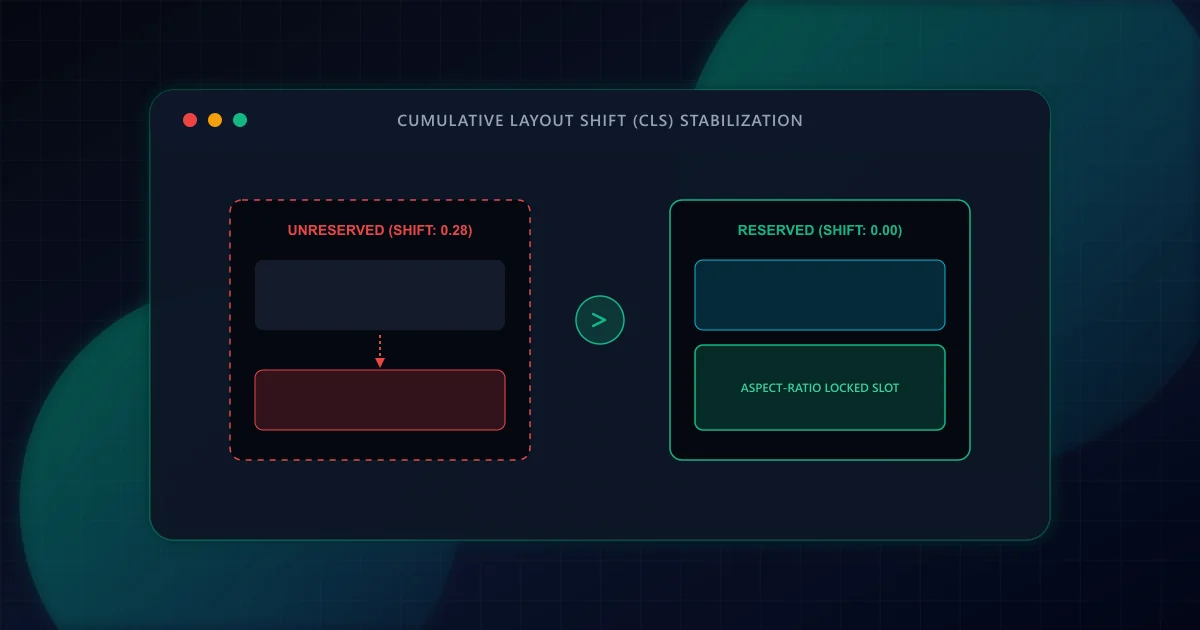
Eliminating Cumulative Layout Shift (CLS) in Dynamic React Frameworks
Prevent disruptive UI jank and improve Core Web Vitals. Discover how to eliminate Cumulative Layout Shift (CLS) in React and Next.js through aspect-ratio reservations, font fallback metrics, and dynamic slot stabilization.
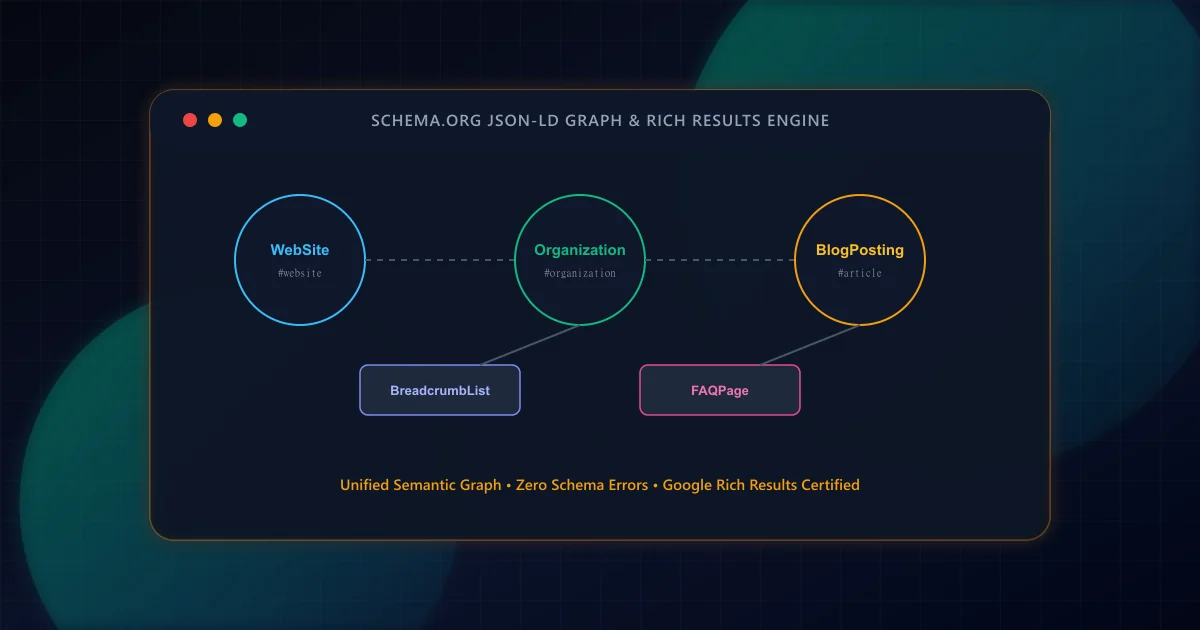
Schema Markup for Modern Web Apps: A Practical JSON-LD Guide
Transform raw HTML into search-engine-readable entity graphs. Build interconnected JSON-LD schemas for Article, Organization, BreadcrumbList, and FAQPage with strict validation.