Image Alt Text Best Practices for Accessibility and Search Optimization
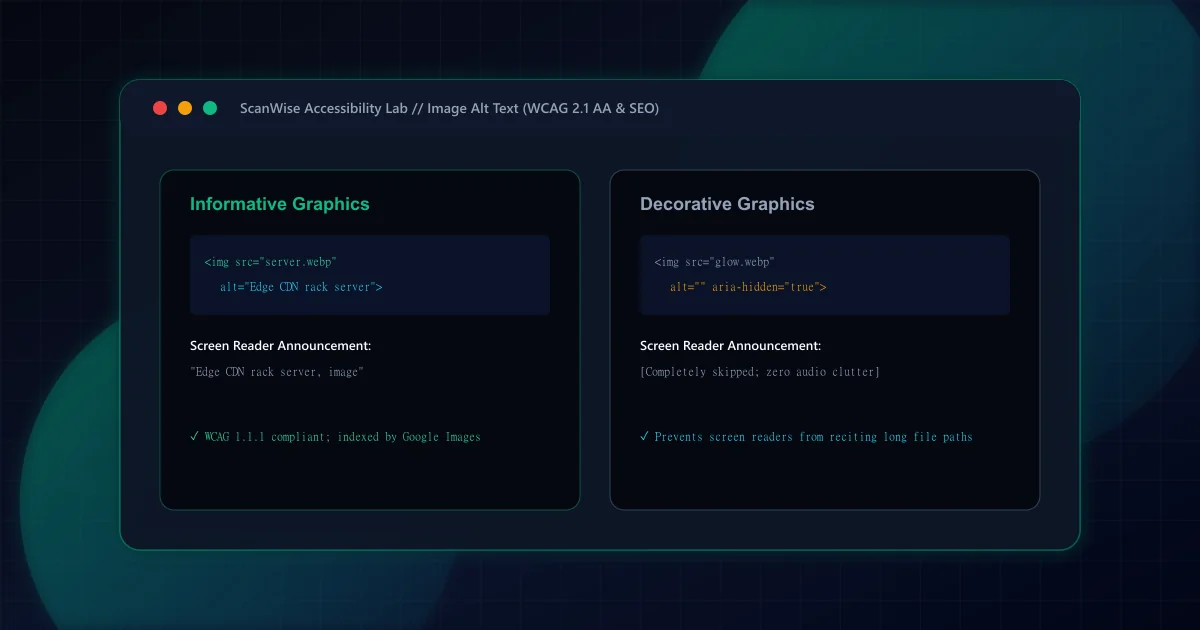
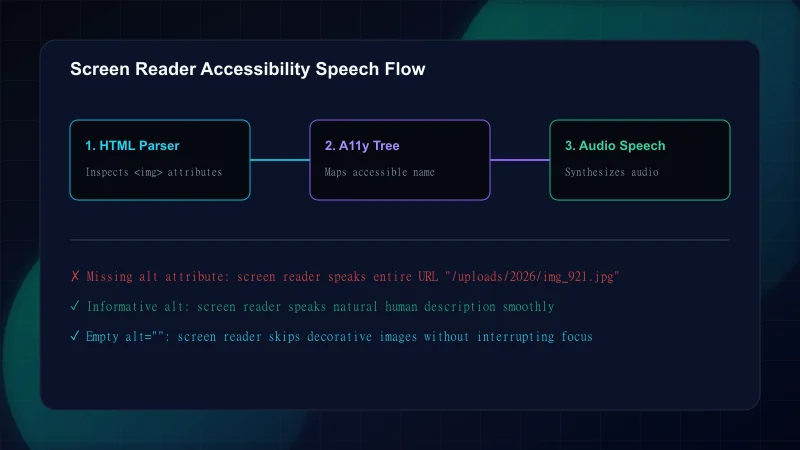
Under the W3C Web Content Accessibility Guidelines (WCAG) 2.1 Success Criterion 1.1.1, all non-text content presented to users must have a text alternative that serves an equivalent purpose. When a blind user navigates a page using screen reader software (such as NVDA, JAWS, or Apple VoiceOver), the software announces the content of the alt attribute. If the alt attribute is missing entirely, the screen reader is forced to read the raw image URL filename (/images/assets/IMG_49204_final.jpg), creating a disjointed and incomprehensible user experience.
As covered in our WCAG automated auditing guide, missing alt text is one of the easiest compliance failures to detect in automated CI/CD scans, but writing meaningful, high-quality alt descriptions requires deliberate human editorial care.
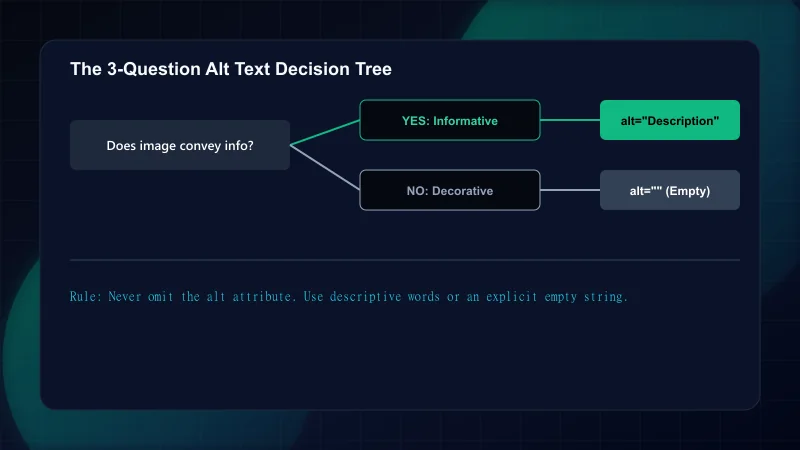
Not all images on a webpage convey substantive editorial meaning. Correctly classifying an image determines whether it should have a rich text description or an explicit empty string (alt=""):
Image Classification and Alt Text Implementation
| Classification | Definition / Example | Correct HTML Markup | Screen Reader Output |
|---|---|---|---|
| Informative Image | Conveys specific editorial data, charts, or product details | <img src="server.webp" alt="Dual-rack edge CDN server with optical fiber connections"> | Announces: 'Dual-rack edge CDN server with optical fiber connections, image' |
| Functional Image | An icon or image triggering an interactive action | <button><img src="search.svg" alt="Search articles"></button> | Announces: 'Search articles, button' |
| Decorative Graphic | Visual styling, background patterns, ambient glow circles | <img src="glow.webp" alt="" aria-hidden="true"> | Completely silent; screen reader skips element without pause |
| Complex Diagram | Architecture flowcharts, multi-variable scatter plots | <figure><img src="flow.webp" alt="Architecture flow"><figcaption>Detailed description...</figcaption></figure> | Announces summary alt, then reads complete structured caption text |
Writing effective alt text requires balancing brevity with semantic context. Review these progressive examples to understand how to refine descriptions for real-world scenarios:
Progression of Alt Text Quality
Step 1: Level 1: Poor / Keyword Stuffed (Violates Accessibility & SEO)
Markup:<img src="dog.jpg" alt="dog puppy dogs best dog breed buy golden retriever puppy online cheap">Why it fails: Frustrates screen reader users with gibberish and triggers Google Search spam penalties.Step 2: Level 2: Bare Minimum / Vague (Low Value)
Markup:<img src="dog.jpg" alt="A golden retriever">Why it's mediocre: Provides minimal context; fails to explain what action or setting the photograph represents.Step 3: Level 3: Context-Aware & Descriptive (Optimal)
Markup:<img src="dog.jpg" alt="A golden retriever guide dog wearing a harness guiding a pedestrian across a city crosswalk">Why it succeeds: Conveys the precise message and purpose of the photograph within an article on assistive service animals.
According to Google Search Central guidance on Google Images best practices, Google relies on the alt attribute along with on-page computer vision algorithms to understand the subject matter of an image. Alt text serves as image anchor text when an image is wrapped inside a clickable hyperlink, passing contextual signals directly to the destination URL.
When combined with modern image delivery pipelines—such as the AVIF and WebP compression techniques covered in our Next.js image optimization guide—optimized alt text drives substantial secondary organic traffic from Google Images search queries.
Auditing enterprise web applications highlights several recurring alt text pitfalls:
Common Image Alt Text Mistakes
| Mistake | Why It Hurts | The Fix |
|---|---|---|
| Prefixing descriptions with 'Image of...' or 'Graphic of...' | Screen readers already announce the element as an image; redundant phrases waste time for auditory users | Begin immediately with the descriptive content: 'Architectural schematic of cloud database clusters' |
| Duplicating the <figcaption> or title text verbatim into alt | Causes screen readers to read the identical sentence twice in succession, creating audio echo | Provide a concise visual description in alt, and place editorial commentary or citations in <figcaption> |
| Omitting the alt attribute entirely on decorative background icons | Screen readers read the SVG or PNG file path aloud, creating jarring visual clutter | Always declare alt="" and aria-hidden="true" on decorative background assets |
| Stuffing marketing keywords into company logos | Markup like <img alt="Acme Corp Best Accounting Software in London Free Download"> impairs usability | Keep logo alt text simple and direct: alt="Acme Corp logo" |
| Writing paragraphs of 500+ characters inside the alt attribute | Users cannot pause, rewind, or jump between sentences within an alt attribute announcement | Limit alt text to 125 characters and provide extensive text descriptions in the surrounding document prose |
Execute this verification gate across all content templates before launching new features:
Frequently Asked Questions
When should an image have an empty alt="" attribute instead of descriptive text?
An image should have an empty alt="" attribute when it is purely decorative, such as background shapes, ambient gradients, or spacer graphics, or when the image is immediately adjacent to text that already conveys the exact same information.
What is the optimal character length for an accessible image alt description?
The recommended length for alt text is between 80 and 125 characters. This provides sufficient room to describe essential visual context without overwhelming screen reader users.
Does keyword stuffing in image alt text trigger search quality penalties?
Yes. Google Search Central spam policies explicitly state that stuffing keywords into alt attributes impairs user experience and can result in the page or image being demoted or removed from Google Images search results.
How should complex infographics, charts, and diagrams be described for accessibility?
Complex graphics should have a brief summary in the alt attribute (e.g., 'Quarterly revenue chart for 2026') accompanied by a full data breakdown in the surrounding text, an adjacent data table, or a structured <figcaption>.
What is the difference between the alt attribute, image title, and <figcaption>?
The alt attribute provides alternative text for accessibility and image search indexing. The title attribute provides an optional hover tooltip in desktop browsers. The <figcaption> provides visible, structured editorial context below a <figure> element for all users.

Engineering & Technical Audit Team
The ScanWise engineering and technical SEO team researches web performance, Core Web Vitals, crawl mechanics, and digital compliance.
Related Engineering Guides

WCAG 2.1 AA Automated Auditing with axe-core in CI/CD Pipelines
Build regression-free accessibility pipelines. Learn how to integrate @axe-core/playwright into GitHub Actions to enforce WCAG 2.1 AA compliance across Next.js route trees.
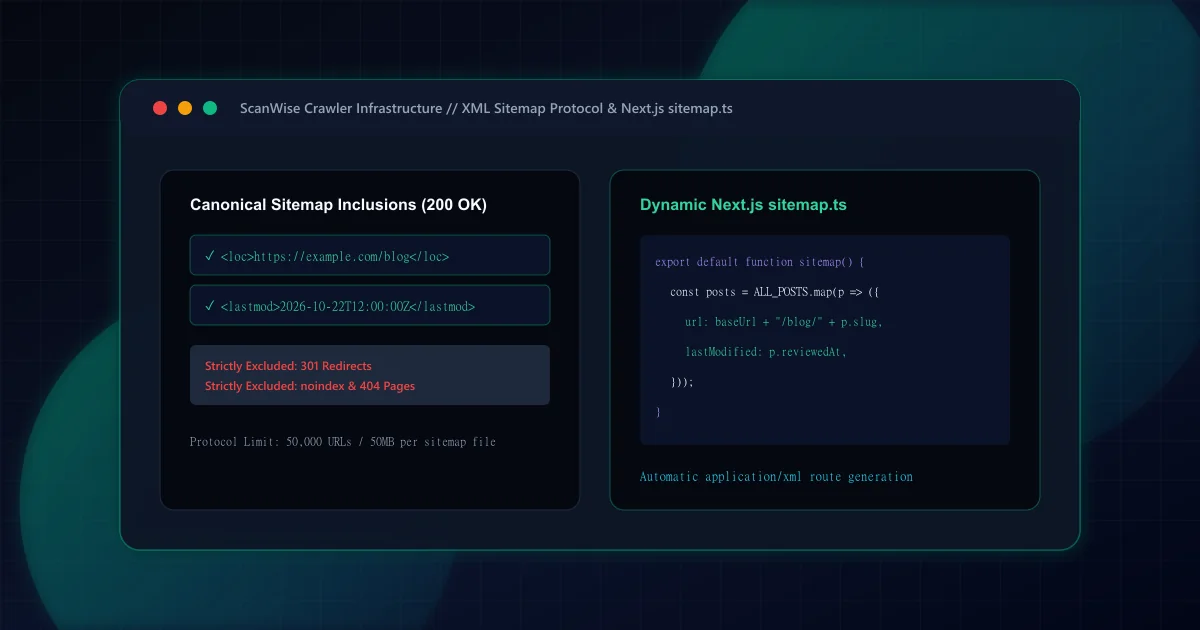
XML Sitemap Architecture: What to Include, Exclude, and Build in Next.js
Comprehensive XML sitemap guide for technical SEO. Learn what to include, what to exclude, how to handle pagination, and generate dynamic sitemap.ts in Next.js.
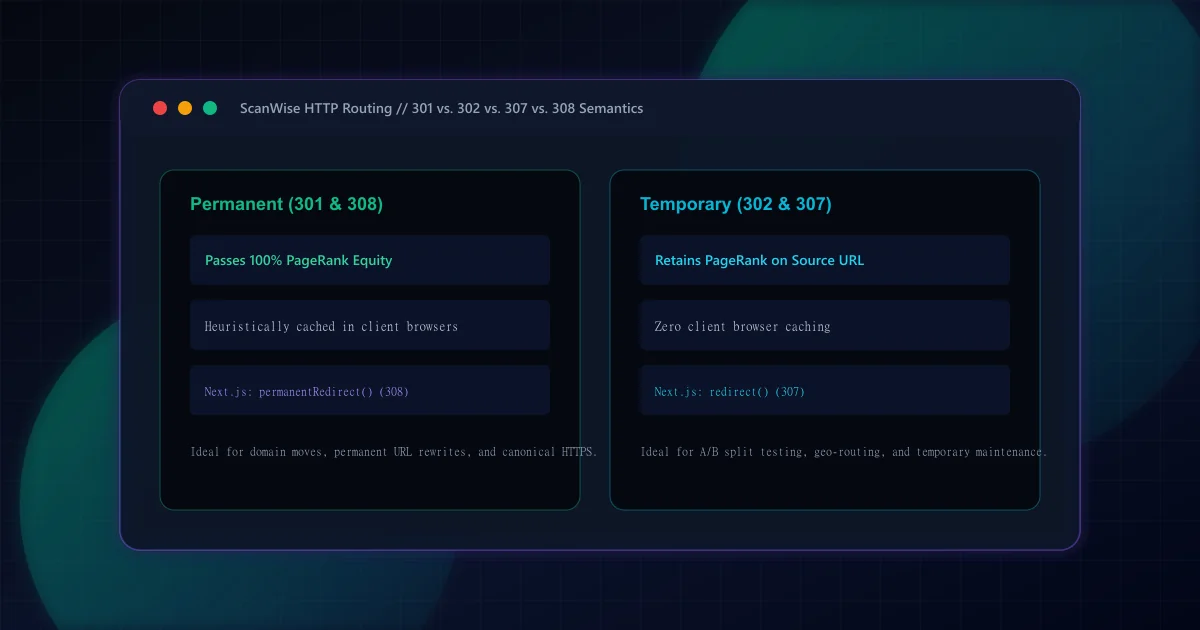
301 vs 302 Redirects for SEO: HTTP Semantics and Link Equity
Understand the SEO differences between 301 and 302 redirects. Learn when to use permanent vs temporary status codes, plus how Next.js handles 307 and 308 headers.