robots.txt: Syntax, Common Mistakes, and Next.js Implementation
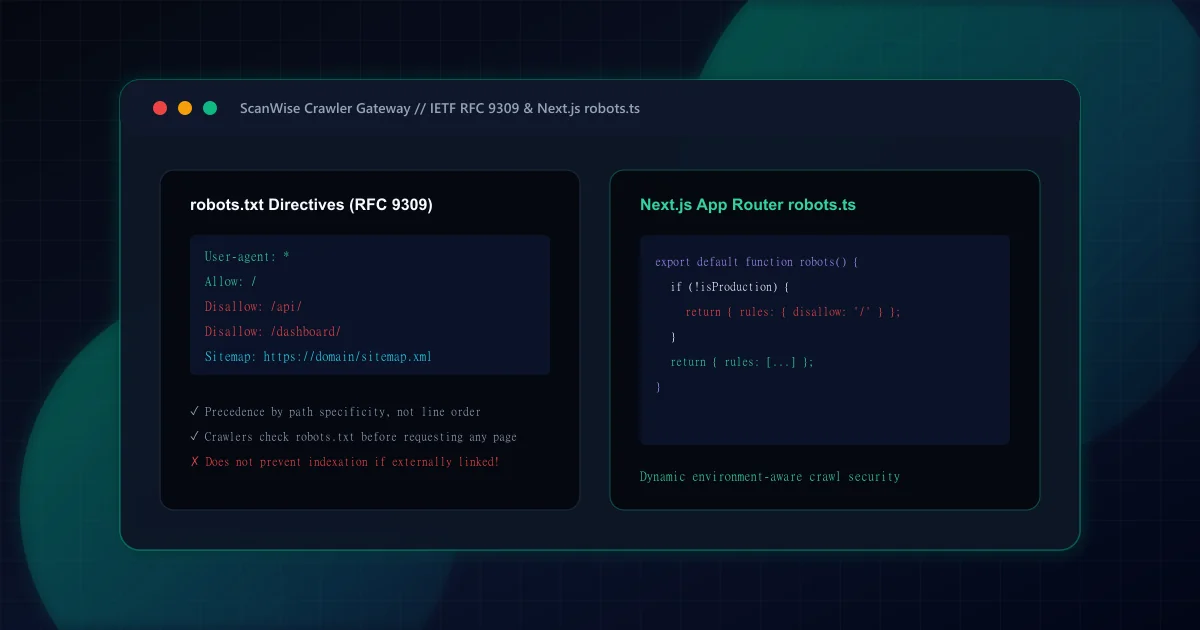
For over two decades, the Robots Exclusion Protocol was an informal consensus standard drafted in 1994. In September 2022, the Internet Engineering Task Force (IETF) codified the protocol as RFC 9309: Robots Exclusion Protocol. This standard defines exact syntactic rules, URI parsing behaviors, character encodings (UTF-8), and precedence algorithms that all modern search crawlers—including Googlebot, Bingbot, and Applebot—must adhere to.
As outlined in our technical SEO pre-launch checklist, any syntax ambiguity or unescaped character in /robots.txt can either shut down indexing across your entire digital estate or expose sensitive internal administration panels to public search results.
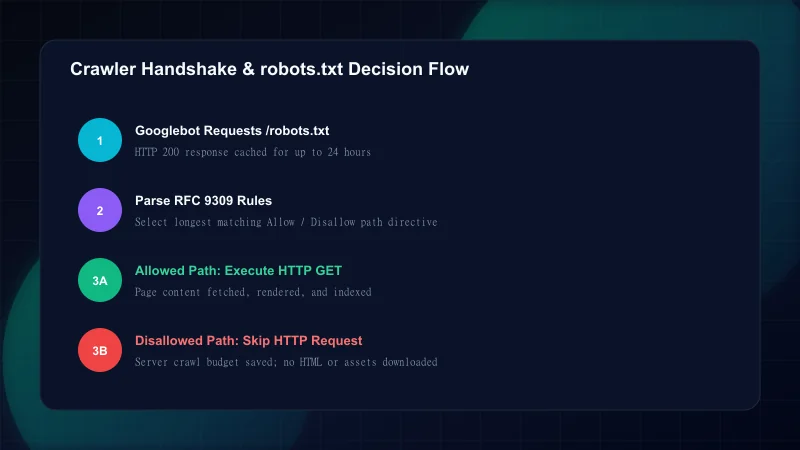
The single most frequent mistake in search architecture is confusing Disallow in robots.txt with the noindex robots meta directive. They solve two completely different engineering problems, as summarized below:
robots.txt Disallow vs. Noindex Robots Meta Tag
| Dimension | robots.txt Disallow | Robots Meta Tag / Header (<meta name="robots" content="noindex">) |
|---|---|---|
| Primary Objective | Controls crawling & server bandwidth budget | Controls search result indexation & display |
| Can the URL appear in SERPs? | Yes. If linked from external websites, the URL can appear as an un-snippeted index entry | No. The crawler loads the document, reads noindex, and purges it completely from search indices |
| Server Request Required? | No. Crawlers check robots.txt and never send an HTTP request to the target URL | Yes. The crawler MUST fetch and parse the page to discover the noindex instruction |
| Passes Link Equity / PageRank? | No. Disallowed pages cannot transfer PageRank through outbound internal links | Temporarily during discovery, but equity fades once purged from the active index |
| Ideal Use Cases | Search query facets (/?q=*), internal APIs (/api/), server logs, infinite calendar loops | User dashboards, checkout confirmation pages, staging portals, thin/duplicate utility pages |
Under RFC 9309, path matching follows deterministic criteria where specificity beats file order. Here are the core syntax constructs every engineer should know:
# Standard robots.txt syntax example
User-agent: *
Allow: /
Allow: /blog/
Disallow: /api/
Disallow: /dashboard/
Disallow: /search?*
Disallow: /*.json$

# Target specific bot rules
User-agent: Googlebot-Image
Disallow: /private-assets/

# Absolute sitemap reference
Sitemap: https://example.com/sitemap.xml
RFC 9309 Path Matching Directives
Step 1: User-agent Specification
Declares which crawler the following block applies to.User-agent: *acts as the universal fallback. Crawlers select the single most specific matching User-agent block and ignore generic wildcard blocks.Step 2: Rooted Path Matching
Paths must begin with a forward slash (/).Disallow: /secretmatches/secret,/secret-files, and/secret/index.html. To match only a directory, specify the trailing slash:Disallow: /secret/.Step 3: Wildcard Operator (*)
The asterisk matches any sequence of zero or more characters. For example,Disallow: /catalog/*?color=blocks faceted filter parameter combinations.Step 4: End-of-Pattern Operator ($)
The dollar sign anchors the pattern to the exact end of the URL string.Disallow: /*.pdf$blocks all PDF files without blocking/document.pdf?version=2.
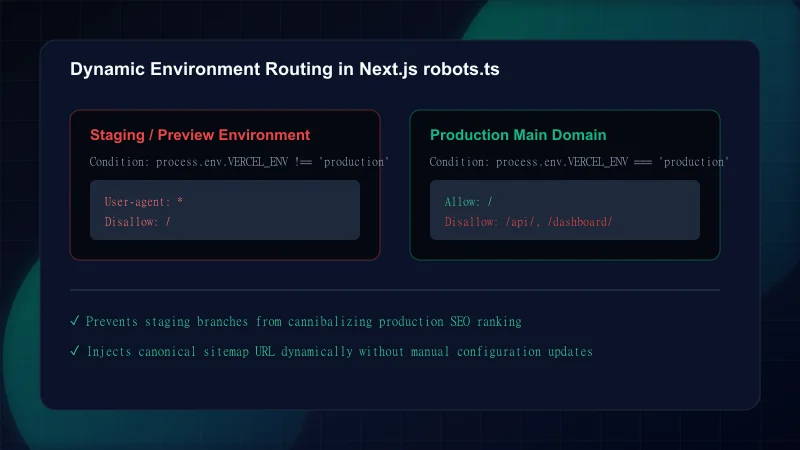
Rather than maintaining a static public/robots.txt file that is prone to hardcoded errors and environment leaks, Next.js App Router provides native dynamic generation via src/app/robots.ts. This allows developers to use TypeScript, inject canonical site URLs from centralized configuration, and conditionally disallow staging branches.
import type { MetadataRoute } from "next";

export default function robots(): MetadataRoute.Robots {
  const isProduction = process.env.NEXT_PUBLIC_SITE_ENV === "production";
  const baseUrl = process.env.NEXT_PUBLIC_APP_URL || "https://example.com";

  // Prevent search engines from crawling staging, preview, or development deployments
  if (!isProduction) {
    return {
      rules: {
        userAgent: "*",
        disallow: "/",
      },
    };
  }

  return {
    rules: [
      {
        userAgent: "*",
        allow: ["/", "/blog", "/blog/", "/glossary", "/glossary/"],
        disallow: [
          "/dashboard/",
          "/api/",
          "/auth/",
          "/login",
          "/signup",
          "/blog?*", // Prevent crawl budget waste on client search facets
        ],
      },
    ],
    sitemap: `${baseUrl}/sitemap.xml`,
    host: baseUrl,
  };
}
Auditing crawl health across thousands of production sites reveals that simple syntax mistakes often produce outsized indexing regressions:
Common robots.txt Engineering Mistakes
| Mistake | Why It Hurts | The Fix |
|---|---|---|
| Blocking /_next/ or /static/ CSS and JS directories | Googlebot cannot render DOM layout; fails mobile-friendly checks and damages Core Web Vitals assessment | Never disallow framework build assets. Googlebot must fetch stylesheets and scripts to render the page accurately |
| Using Crawl-delay: 10 for Googlebot or Bingbot | Completely ignored by Google and Bing; creates a false sense of server load protection | Use HTTP 429 (Too Many Requests) headers or configure crawl rate limits directly within Google Search Console |
| Accidental trailing slash mismatch (Disallow: /blog vs /blog/) | Disallow: /blog accidentally blocks /blog-post-1, /blog-post-2, and the entire directory | Ensure paths targeting directories explicitly end with a slash: Disallow: /blog/ |
| Relative URLs in the Sitemap directive (Sitemap: /sitemap.xml) | Crawlers ignore the directive; sitemap is not registered during crawling | Always provide a fully qualified, absolute canonical URL: Sitemap: https://example.com/sitemap.xml |
| Deploying staging Disallow: / rules into production builds | Entire site is de-indexed or stops being crawled within 48 hours of release | Adopt dynamic robots.ts with environment variable switches and verify via automated CI/CD audits |
Before releasing major updates or framework migrations, review this verification checklist to ensure search crawler accessibility:
Frequently Asked Questions
Does Disallow: / in robots.txt prevent search engines from indexing a URL?
No. Disallowing a URL in robots.txt only prevents crawlers from fetching the page content. If other external websites link to that disallowed URL, search engines can still index the URL and display it in search results without a descriptive snippet.
What is the difference between robots.txt disallow and the noindex robots meta tag?
robots.txt Disallow prevents search engine bots from downloading the page and consuming server crawl budget. The noindex meta tag (or X-Robots-Tag HTTP header) tells search engines to crawl the page but strictly omit it from the search index.
Does Googlebot respect the Crawl-delay directive in robots.txt?
No. Googlebot completely ignores the Crawl-delay directive. Google manages crawl rate automatically based on server response latency. If your server is overloaded, return HTTP 429 or 503 status codes, or adjust crawl settings in Google Search Console.
How do order of operations and wildcard patterns work under RFC 9309?
Under RFC 9309, rule order inside the robots.txt file does not determine precedence. Instead, the crawler compares matching Allow and Disallow directives based on character length: the rule with the longest and most specific path pattern always wins.
How do you implement dynamic environment-aware robots.txt in Next.js App Router?
In Next.js App Router, create a `src/app/robots.ts` file that exports a default function returning `MetadataRoute.Robots`. Check environment variables like `process.env.VERCEL_ENV` to return `disallow: '/'` on preview/staging deployments and production crawl rules on the main domain.

Engineering & Technical Audit Team
The ScanWise engineering and technical SEO team researches web performance, Core Web Vitals, crawl mechanics, and digital compliance.
Related Engineering Guides
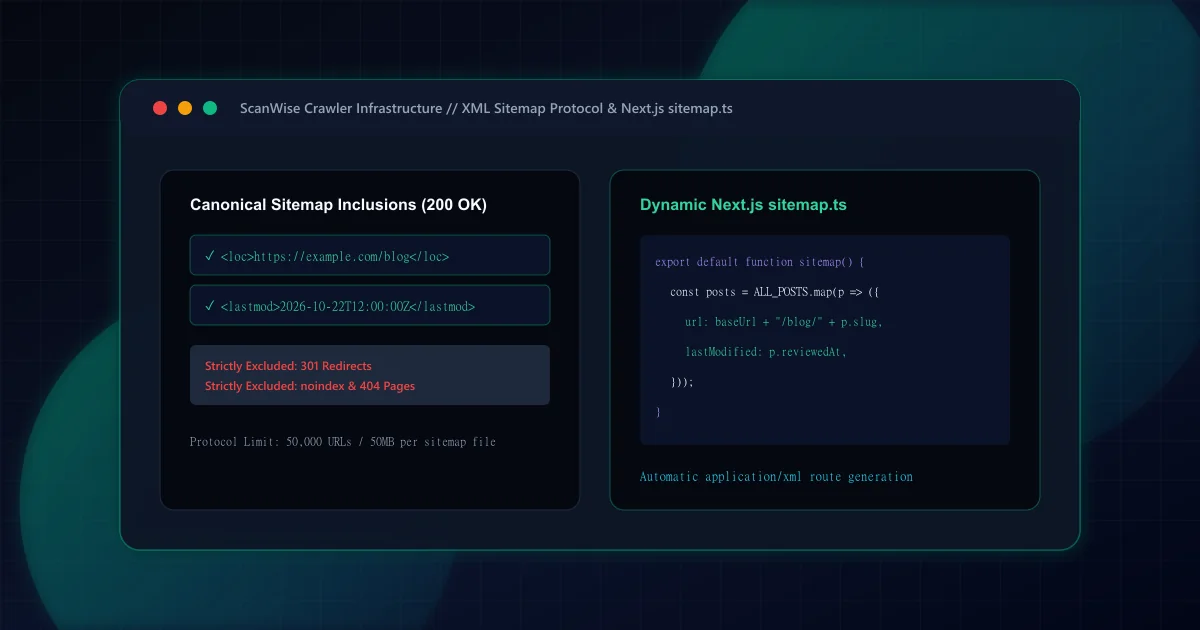
XML Sitemap Architecture: What to Include, Exclude, and Build in Next.js
Comprehensive XML sitemap guide for technical SEO. Learn what to include, what to exclude, how to handle pagination, and generate dynamic sitemap.ts in Next.js.
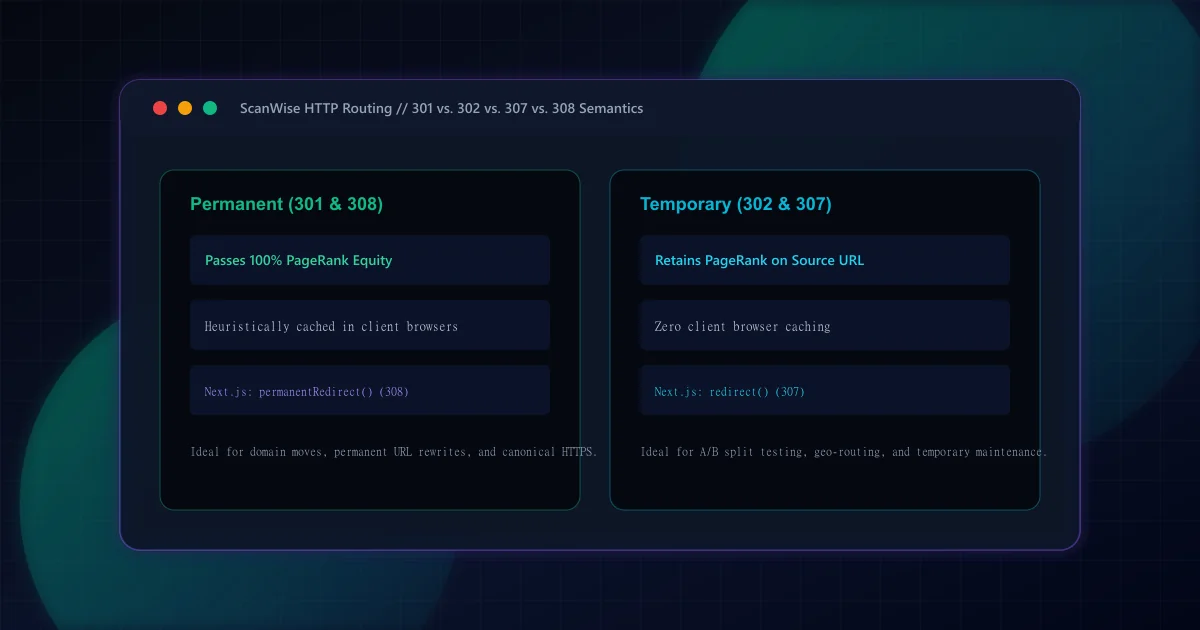
301 vs 302 Redirects for SEO: HTTP Semantics and Link Equity
Understand the SEO differences between 301 and 302 redirects. Learn when to use permanent vs temporary status codes, plus how Next.js handles 307 and 308 headers.
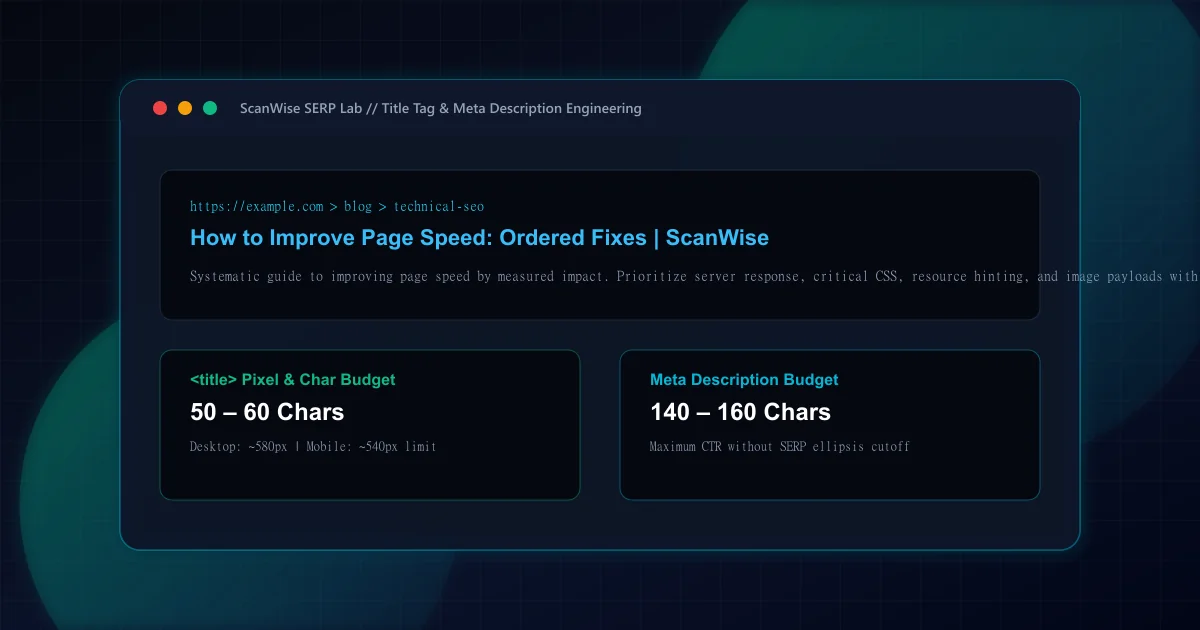
Title Tag and Meta Description: Length Rules, Rewriting, and Mistakes
Master title tag and meta description optimization. Avoid pixel truncation, prevent Google title rewriting, and structure high-CTR search snippets that convert.